Show more filters
- Sort by
- Display 180 Products per page



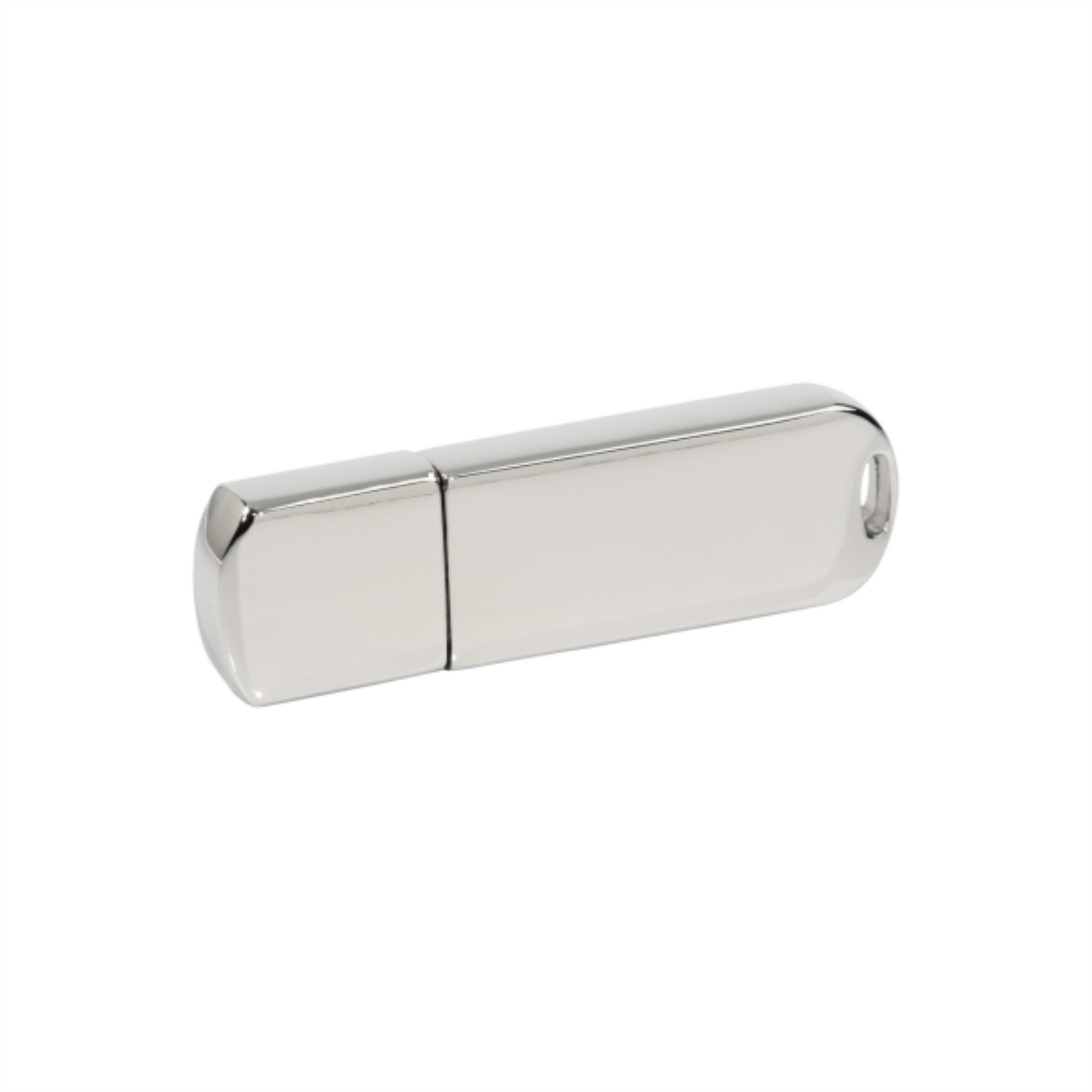
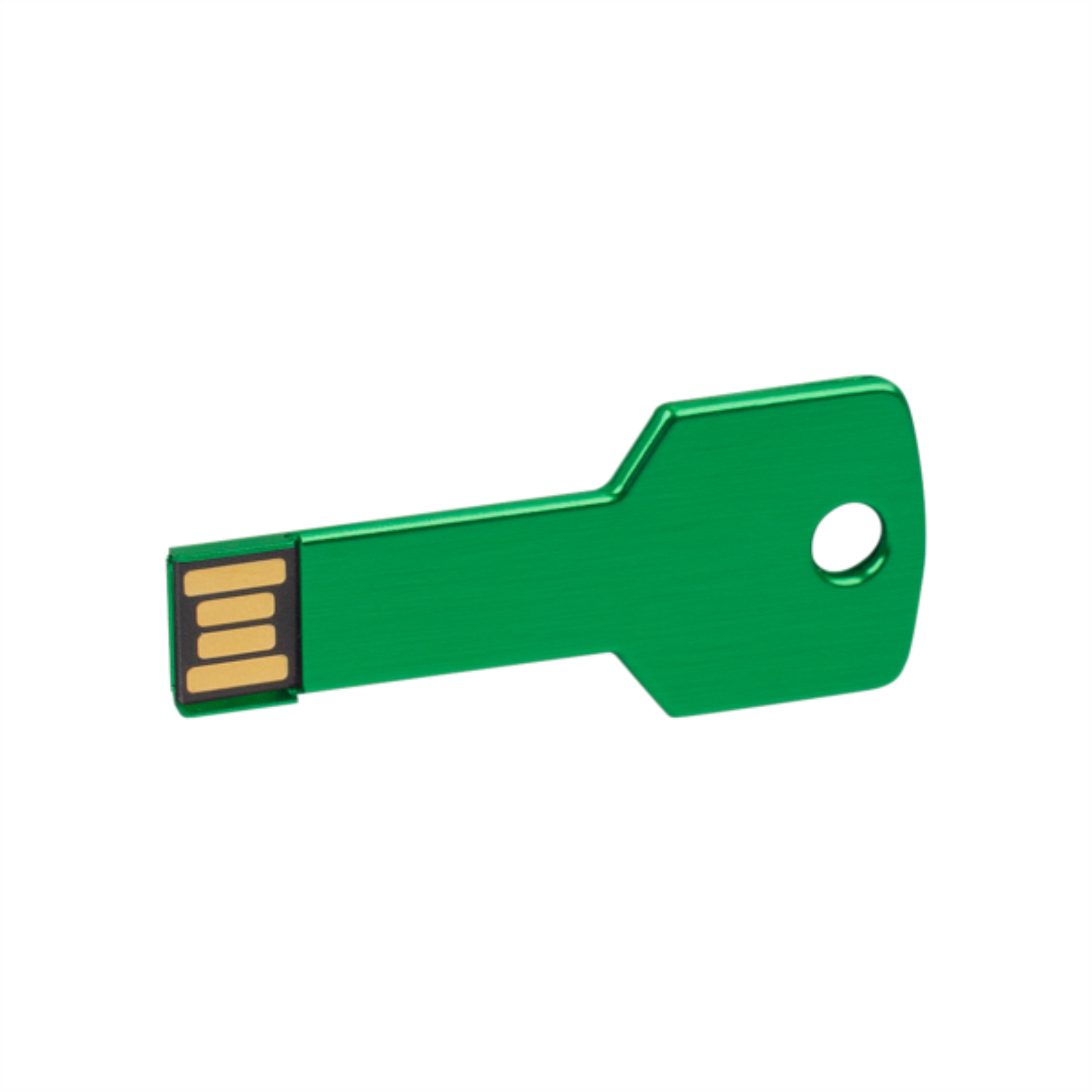
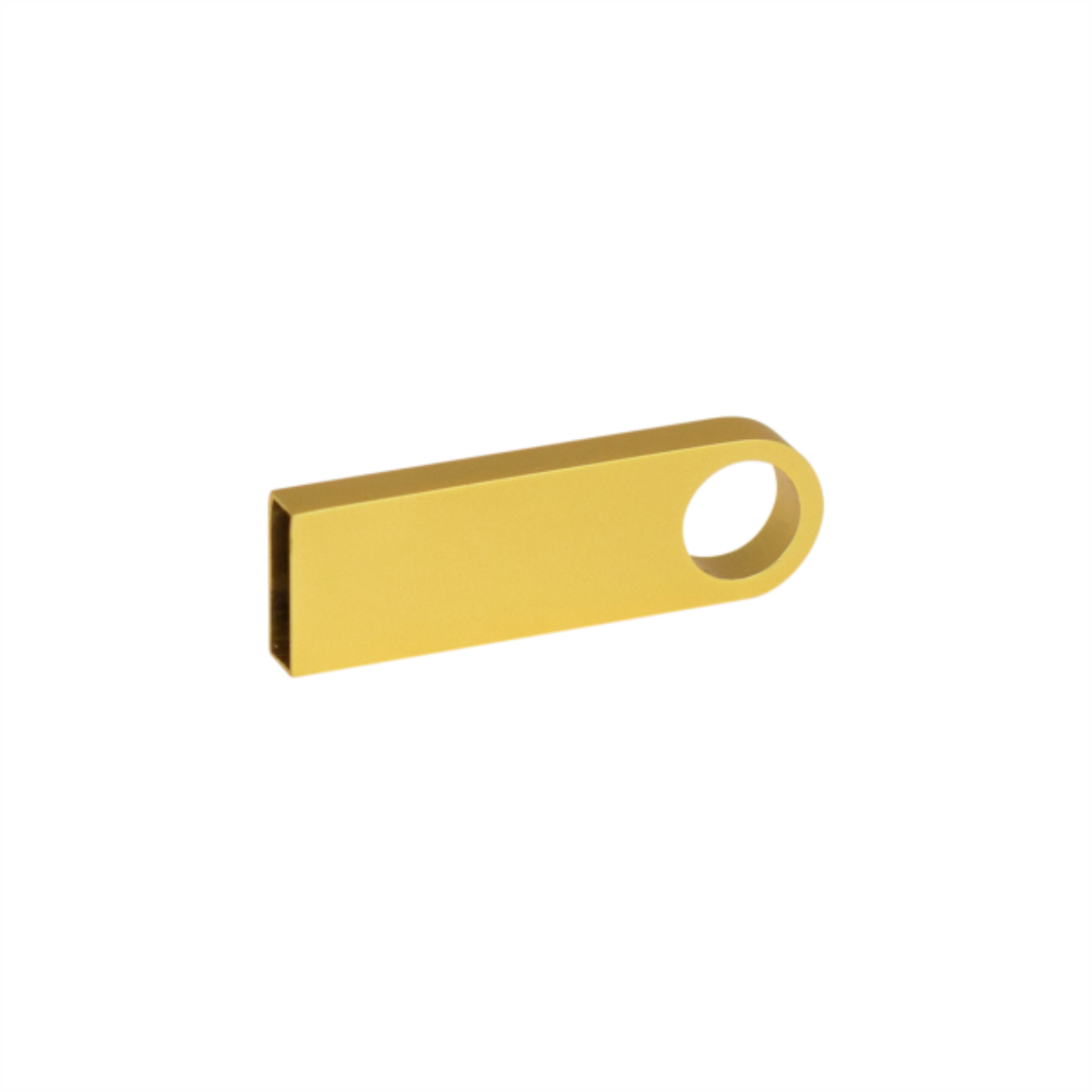
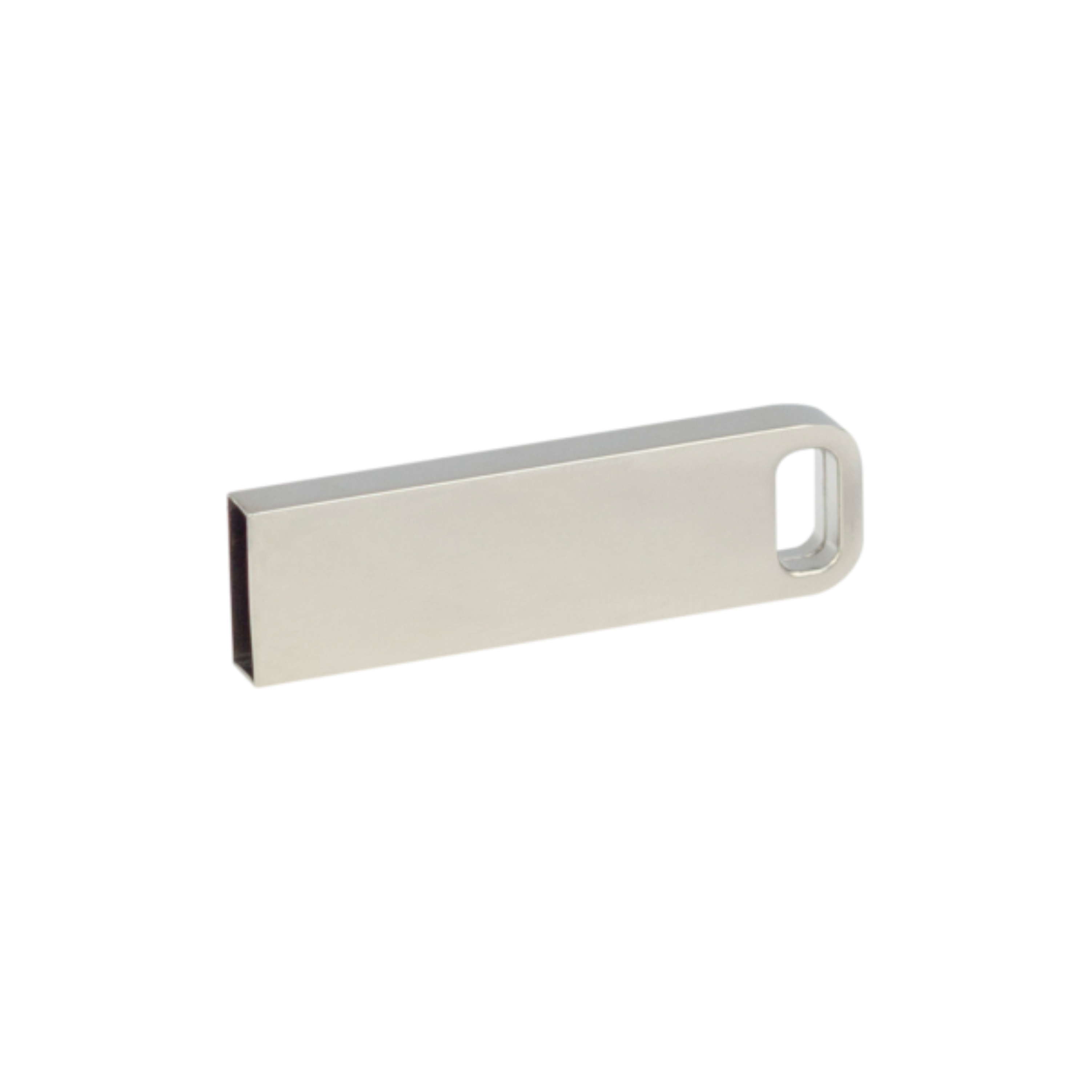
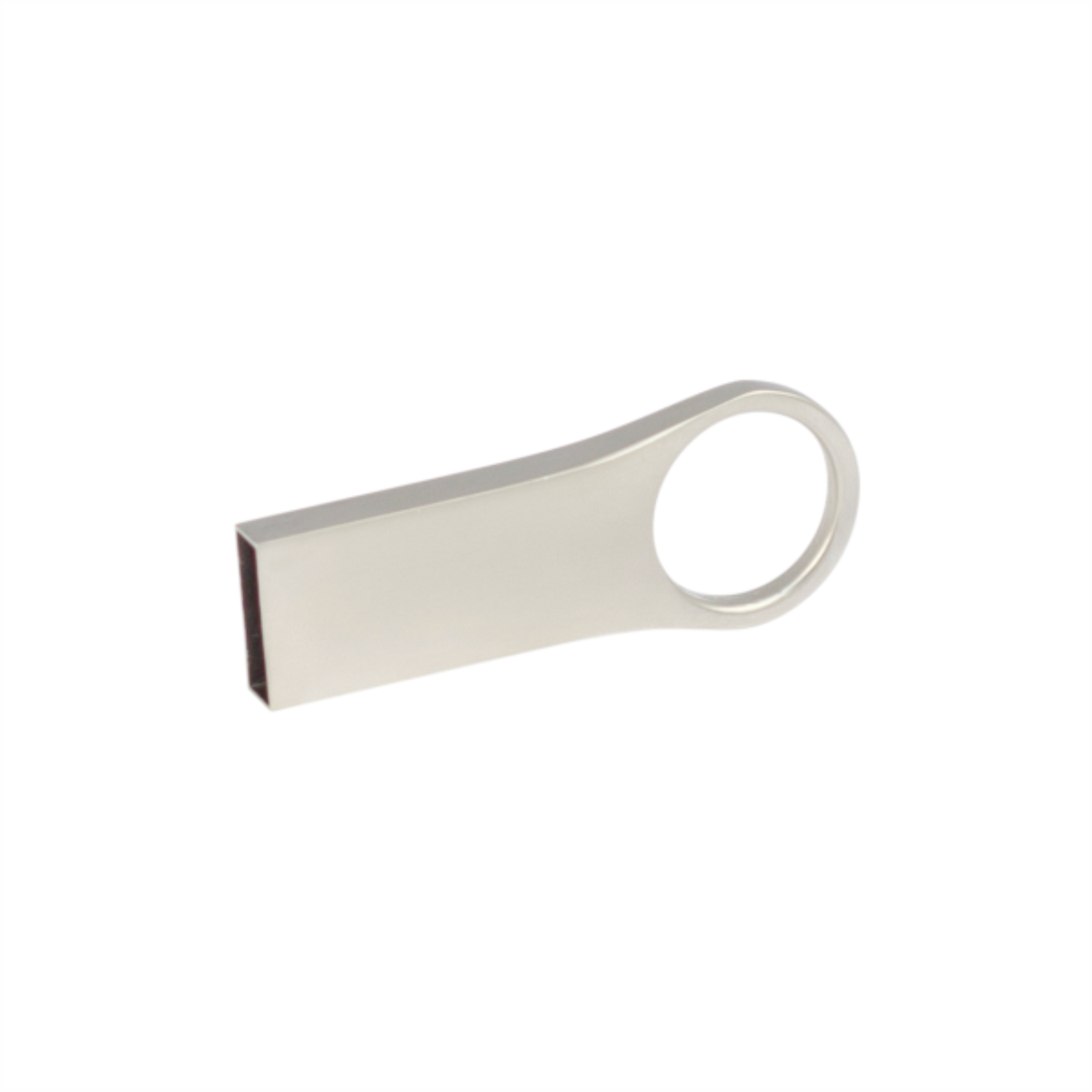
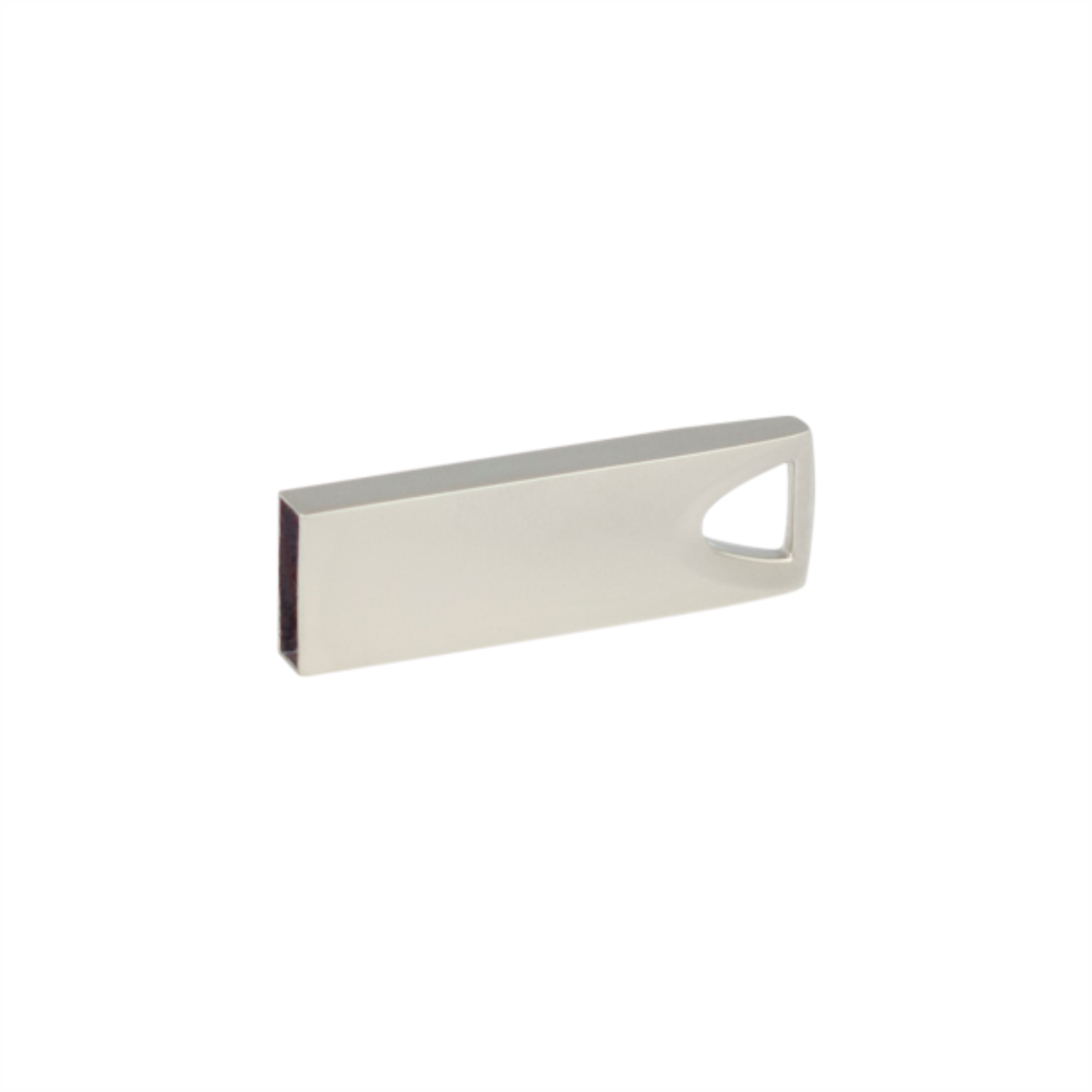
A branded USB flash drive can carry files, training materials, or customer onboarding resources. Choose based on the recipient’s computer connections and file size. Appearance matters, but usability starts with the drive’s technical characteristics.
Compare USB-A and USB-C connections, capacity, and documented transfer speeds. Large videos and small documents have different requirements. For preloaded content, agree on the folder structure, file formats, and deadline for supplying final materials.
For preloaded files, decide whether contents should remain editable and how recipients will find key documents. Clear filenames and a short contents guide can be more useful than a large unstructured collection. Test one drive before preparing the batch and check that files open without unavailable specialist software.
A USB drive can combine a practical promotional gift with a ready-to-use information pack. Training participants can receive presentations, guides, or worksheets; customers might receive a catalog and product resources. Keep the contents relevant to the meeting or project so recipients can find useful information quickly.
Measure the final files before choosing capacity, leaving space for later use. Write speed affects batch preparation, while read speed affects opening and copying files. Connector shape alone does not describe transfer performance. For larger videos, also review file-system compatibility with the intended computer.
Company computers may restrict external storage. For gifts to a specific organization, check suitability before ordering. Conference resources should suit general distribution and include clear contact details. This helps the drive remain useful after the event when recipients return to the material.
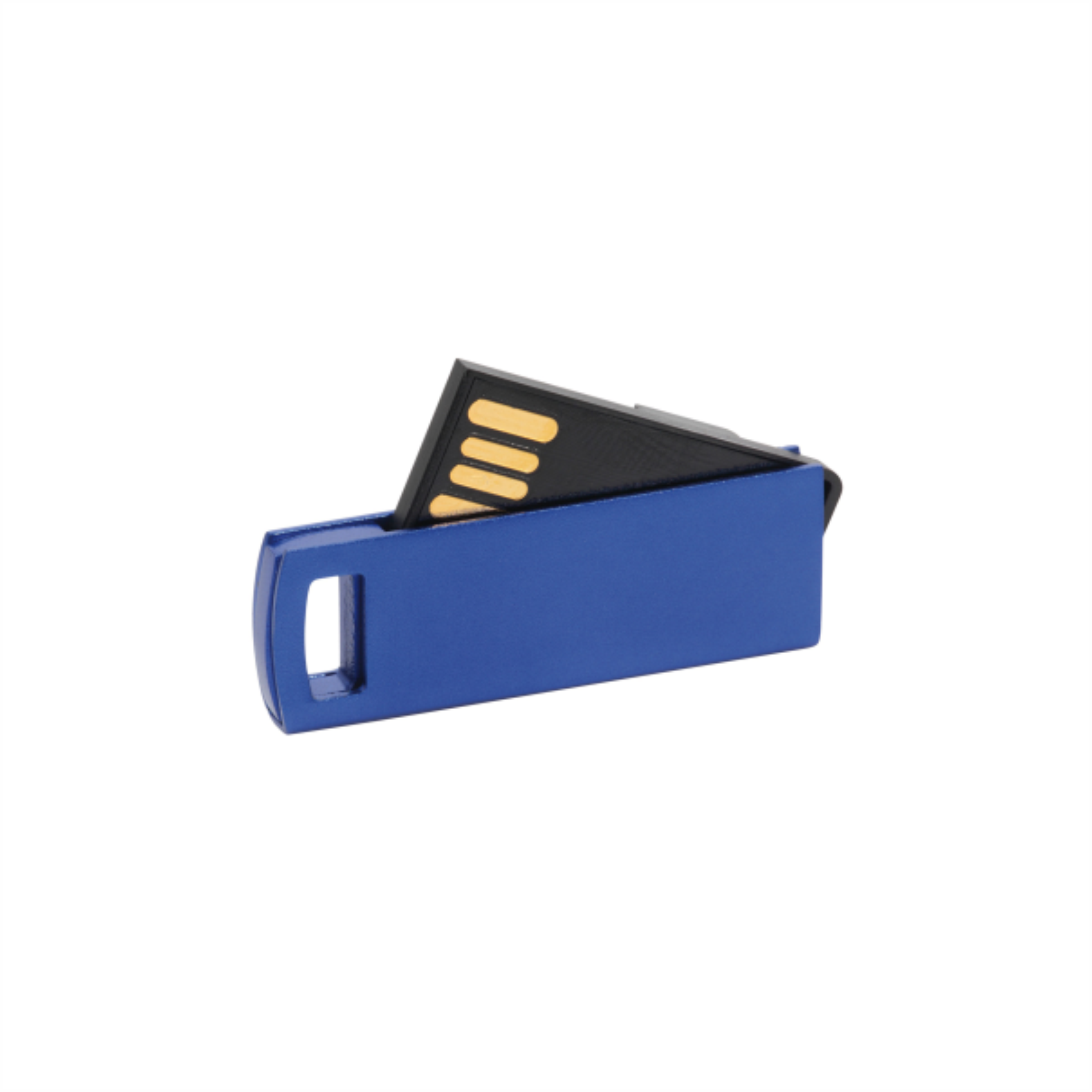
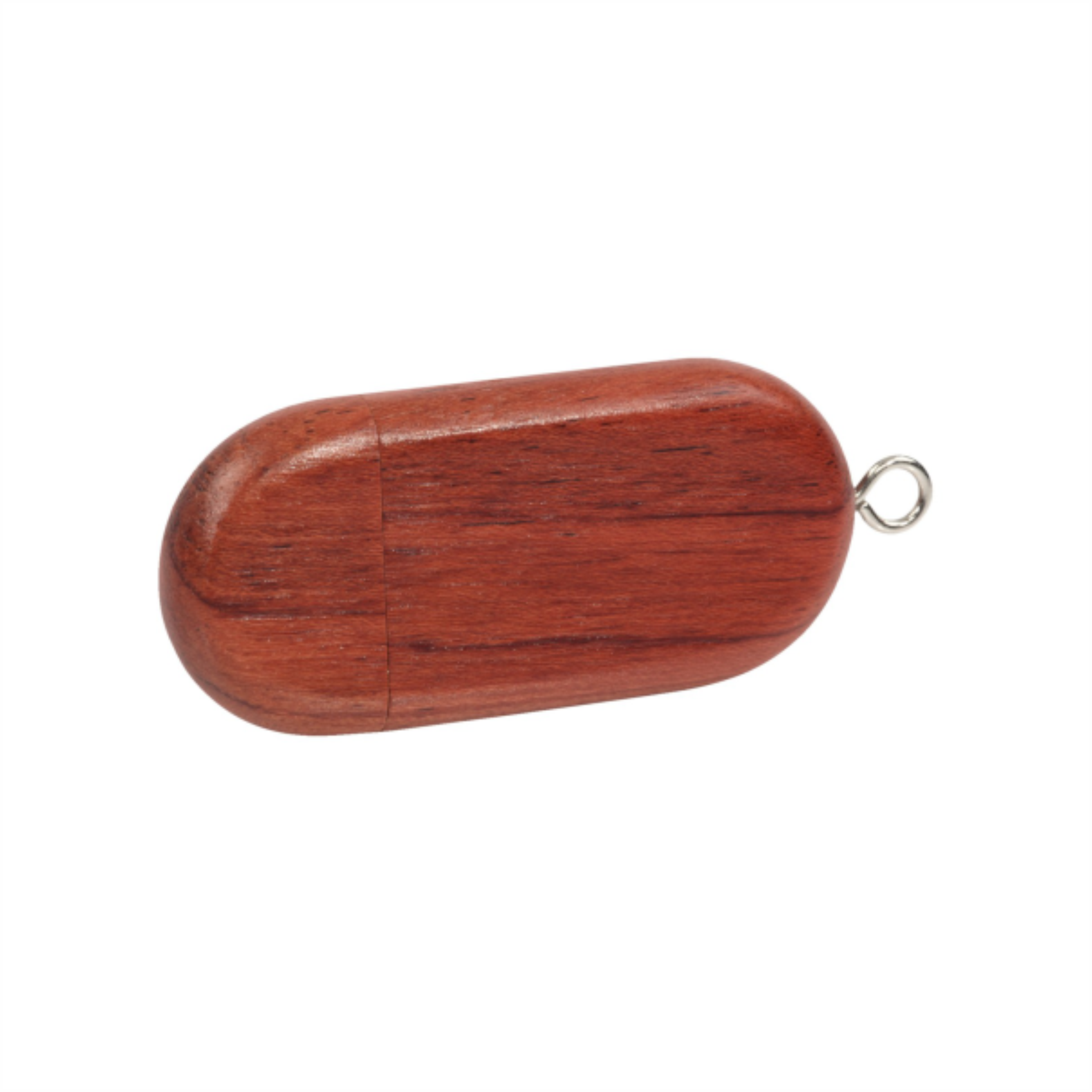
Branding options depend on housing material and size. A rotating cover, cap, or connector should not interfere with the artwork or normal use.
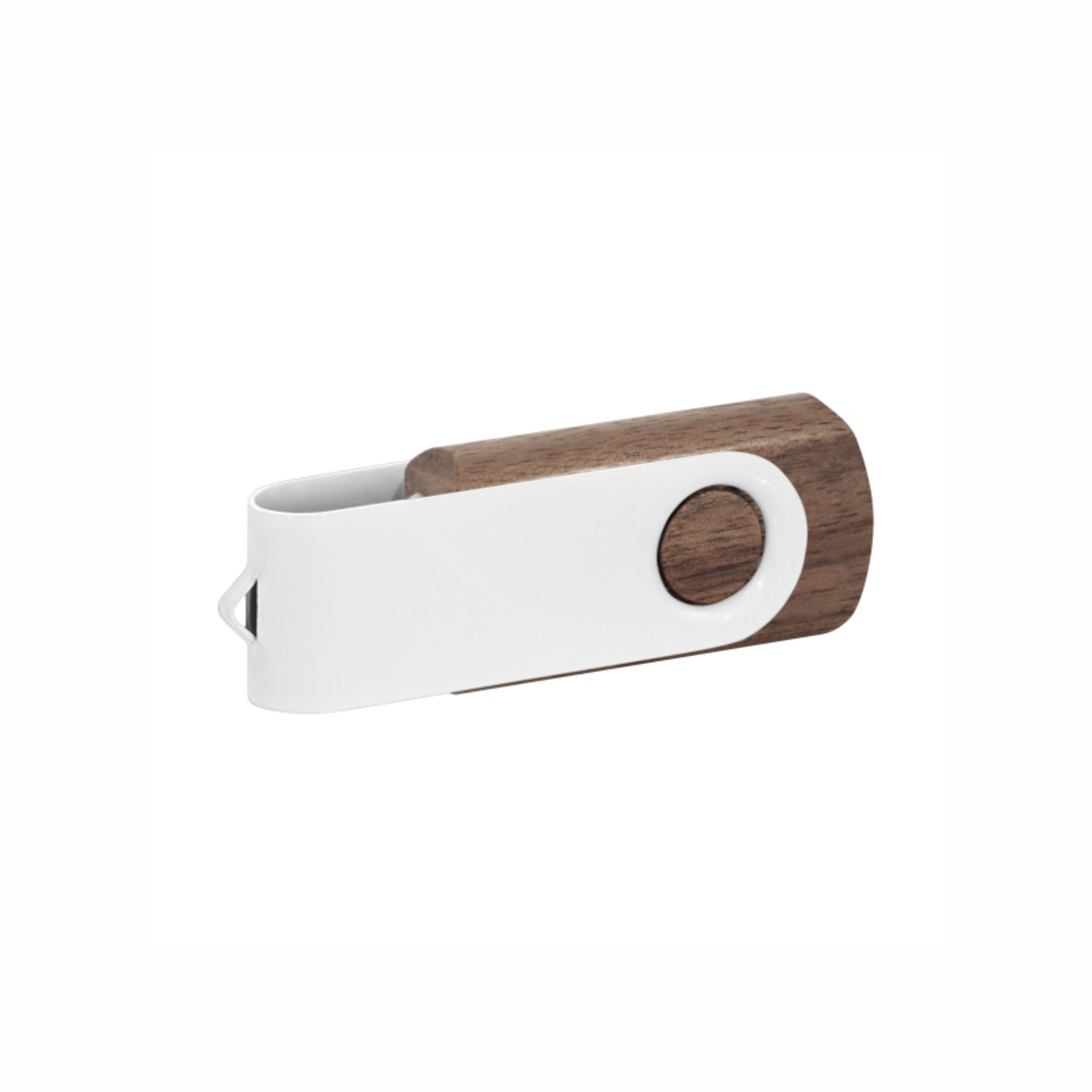
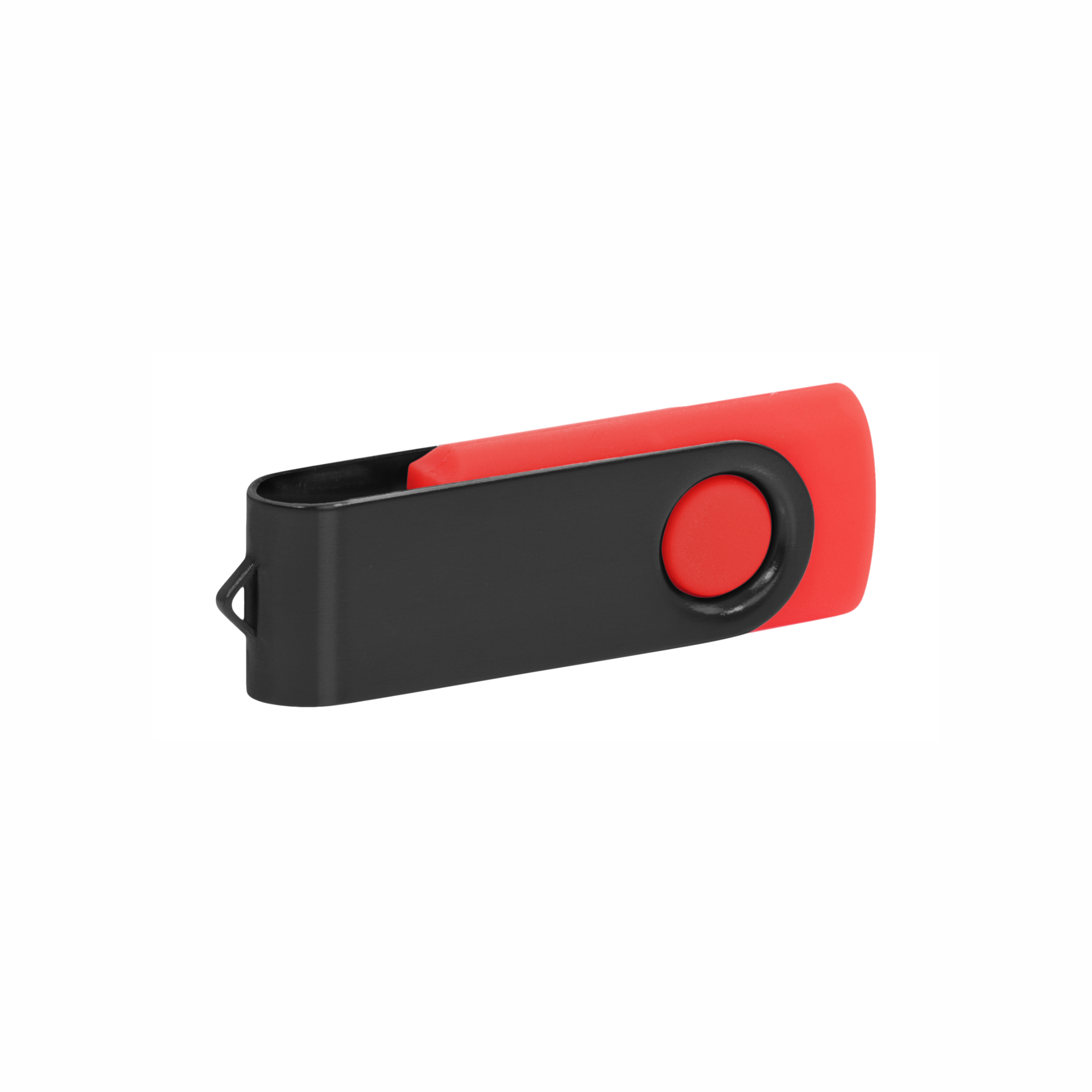
A simple logo or company name often suits a small housing. Wood, metal, and plastic may require different marking processes. Review artwork with the drive open and closed, especially on rotating designs. If text cannot fit legibly on the product, place the longer message on suitable packaging.
For an overview of the processes, see branding methods.
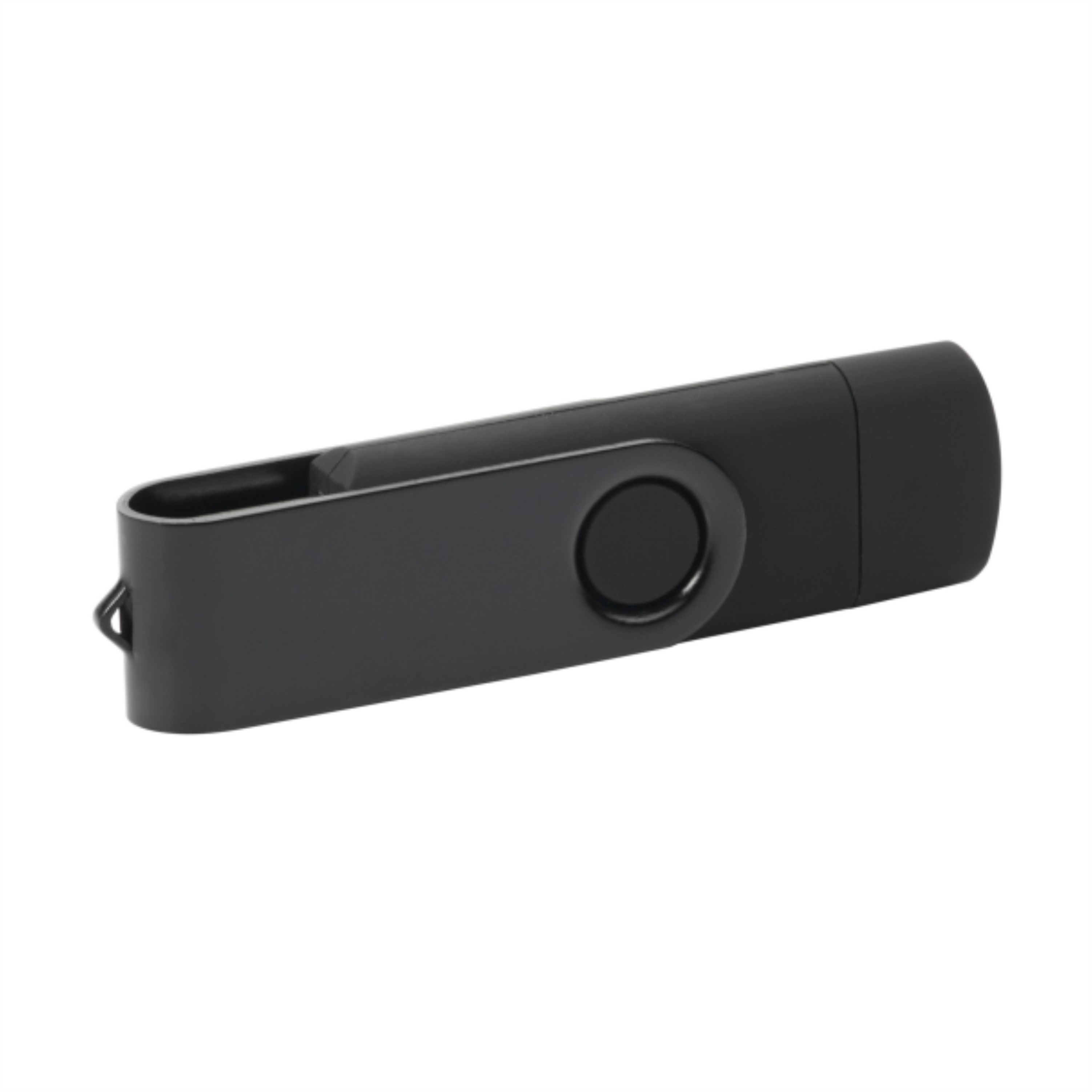
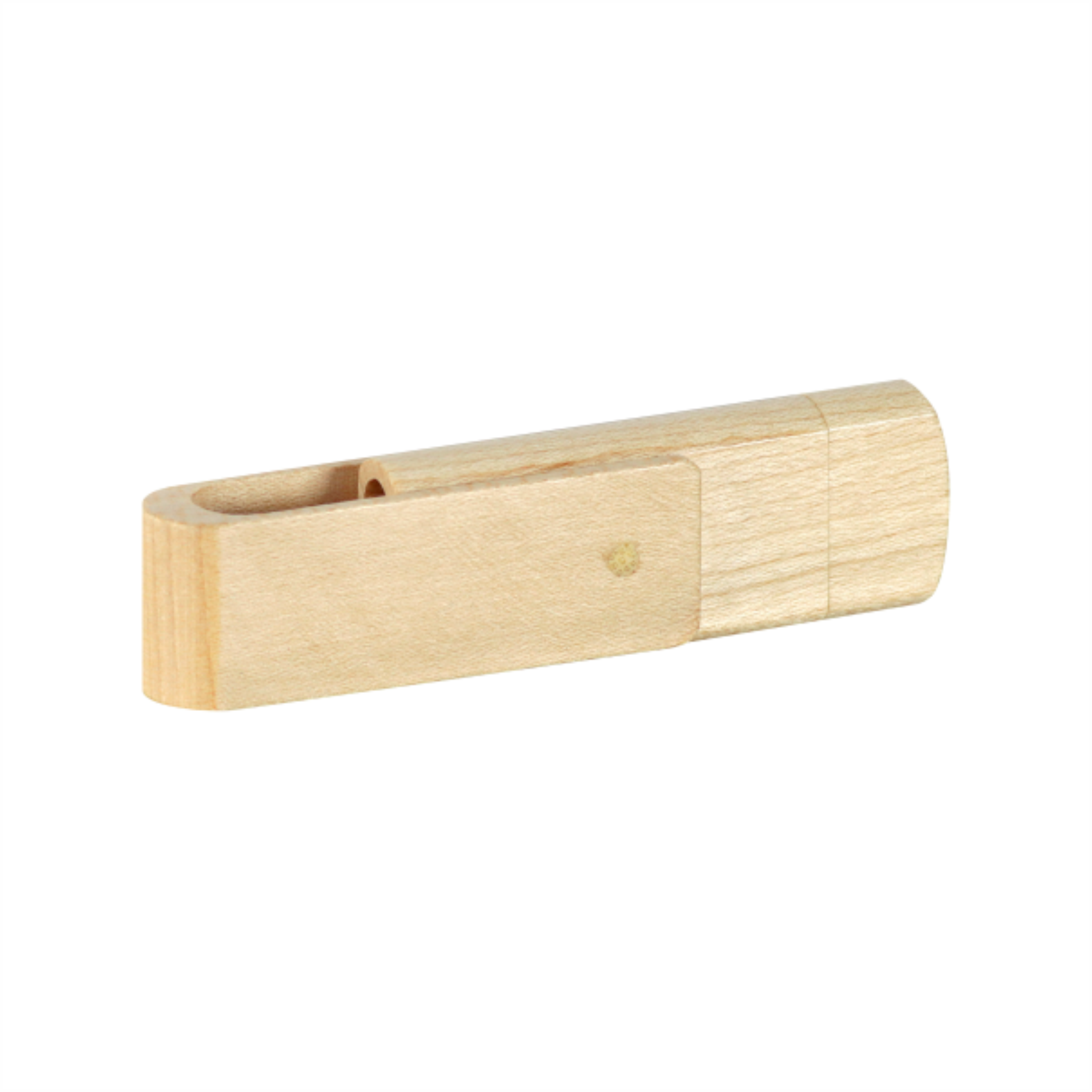
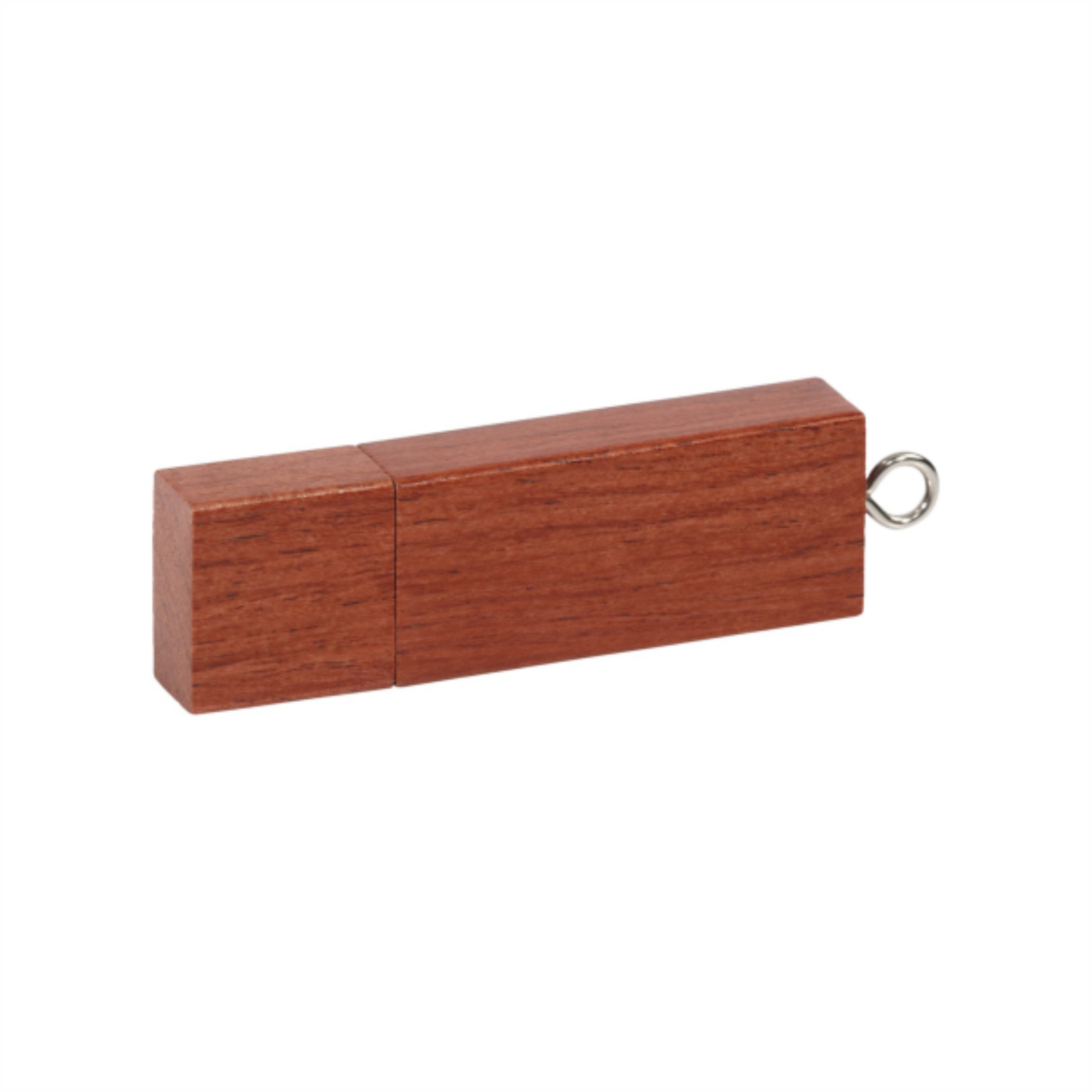
Explore the Dual OTG C, Dual Wood OTG C and Dual Wood USB drives. Compare connections, available capacities, and branding areas. On dual-connector models, check both plugs. Phone or tablet use depends on the device’s supported functions and the physical connector.
Agree on file preloading, packaging, and decoration separately in the quotation. Encryption and write protection are model-specific features, not standard features of every USB drive.
Specify quantity, capacity, connector, and whether files should be preloaded. Include the logo and deadline. Kingivabrik can help select a branded USB drive and clarify artwork and content-preparation requirements.
Explore related options in Branded electronics and technology gifts.