Show more filters
- Sort by
- Display 60 Products per page



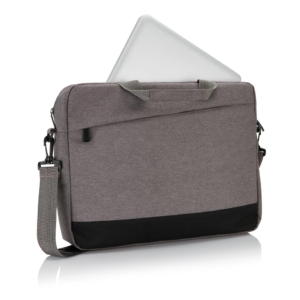
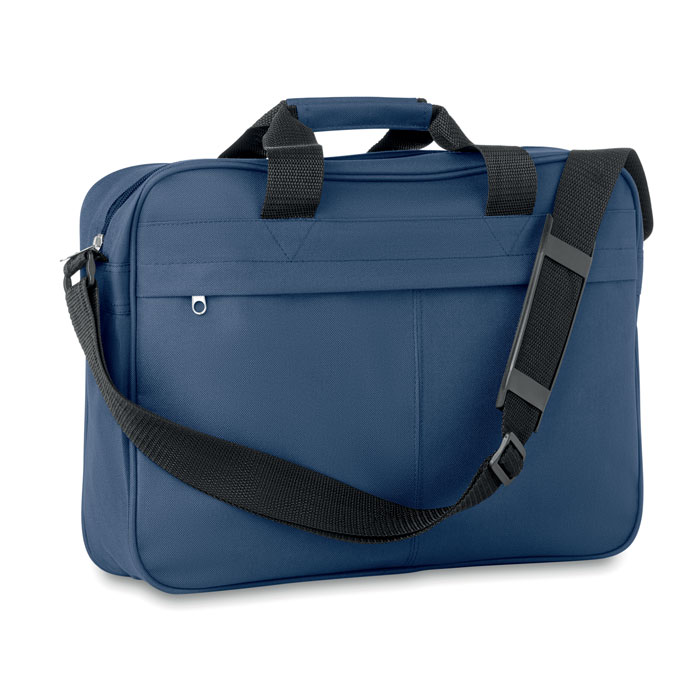
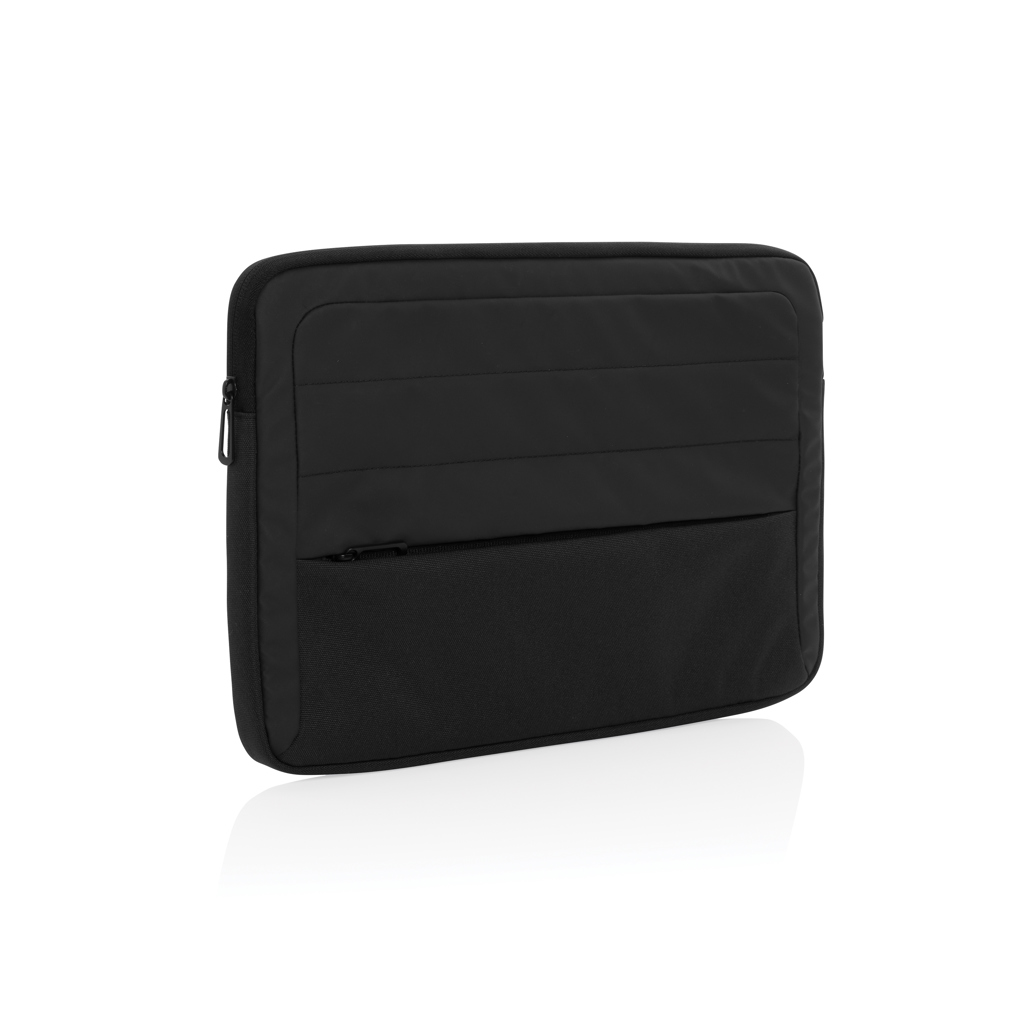
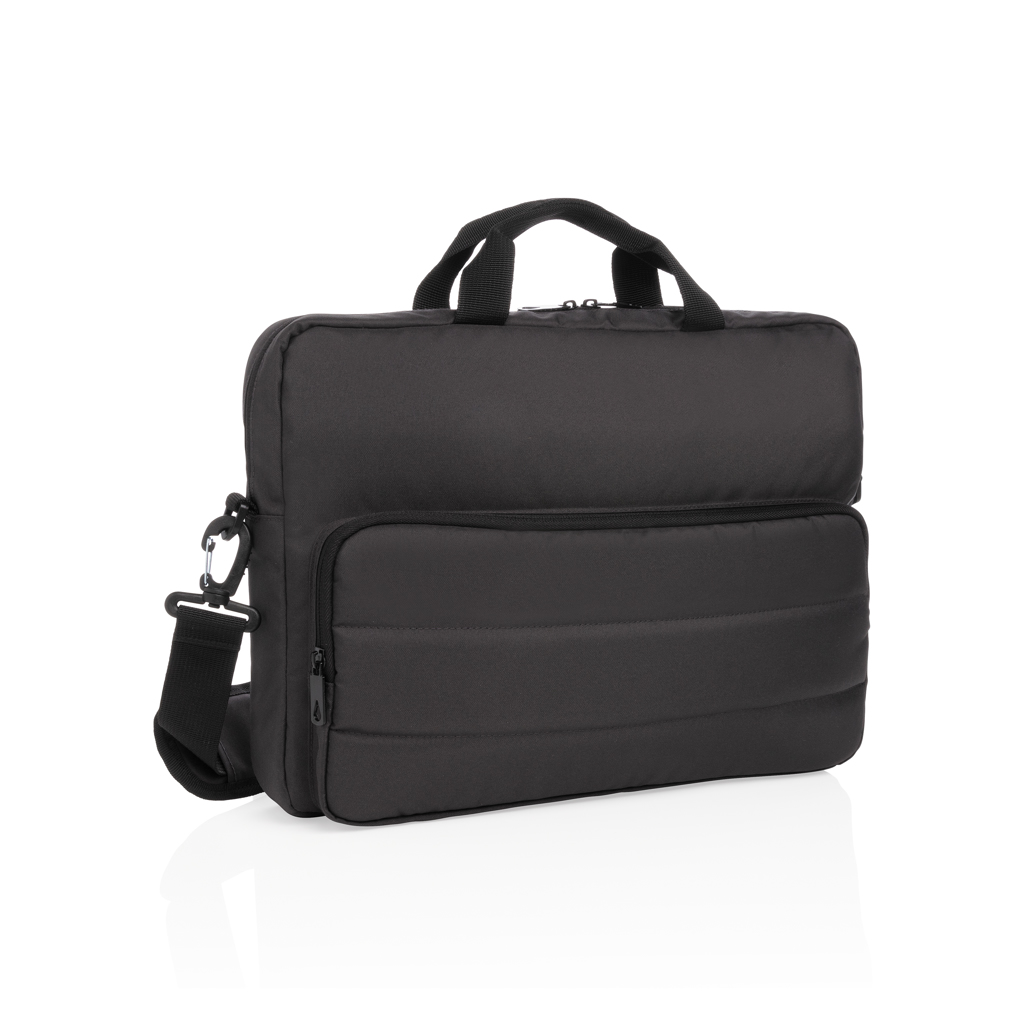
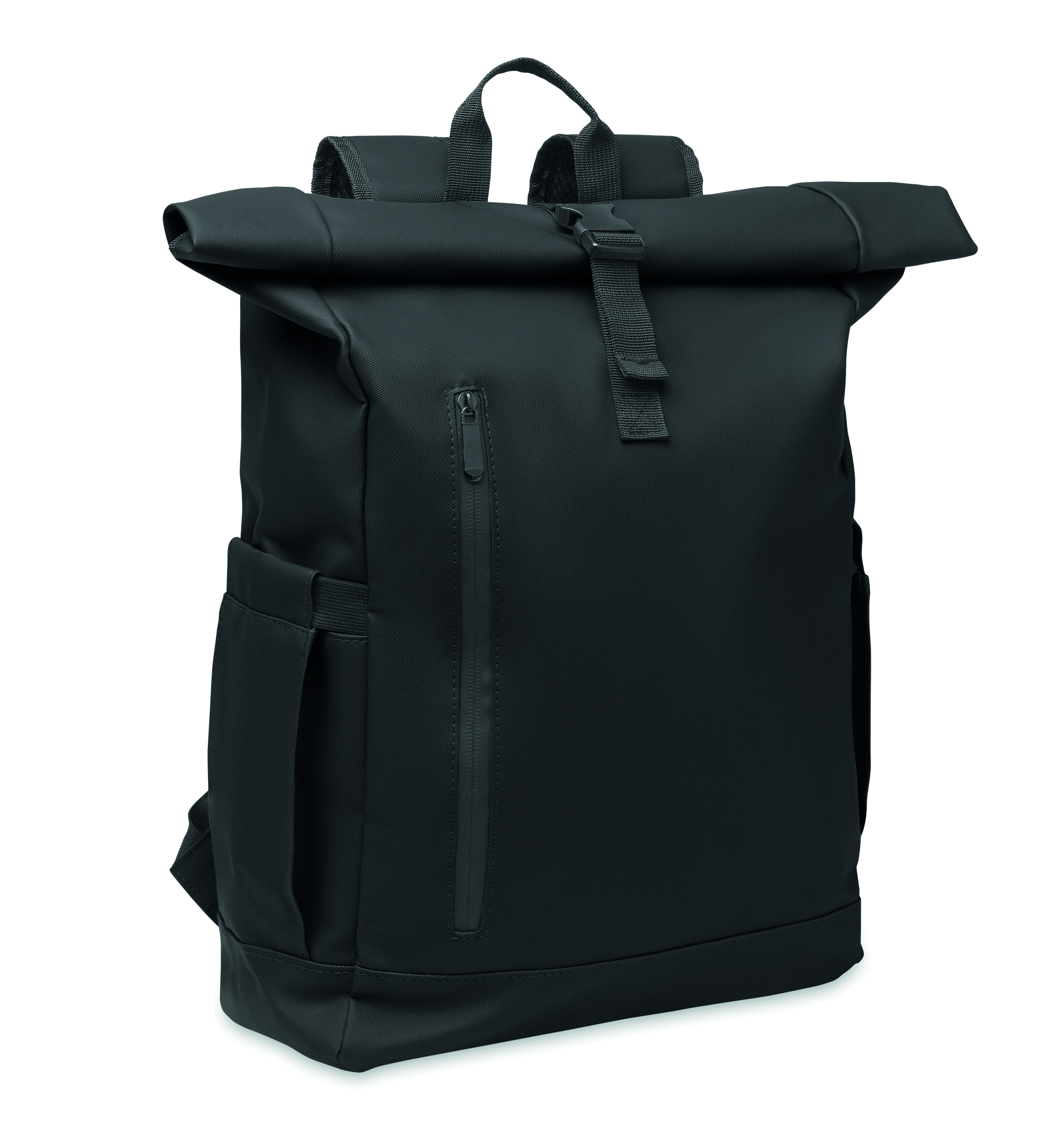
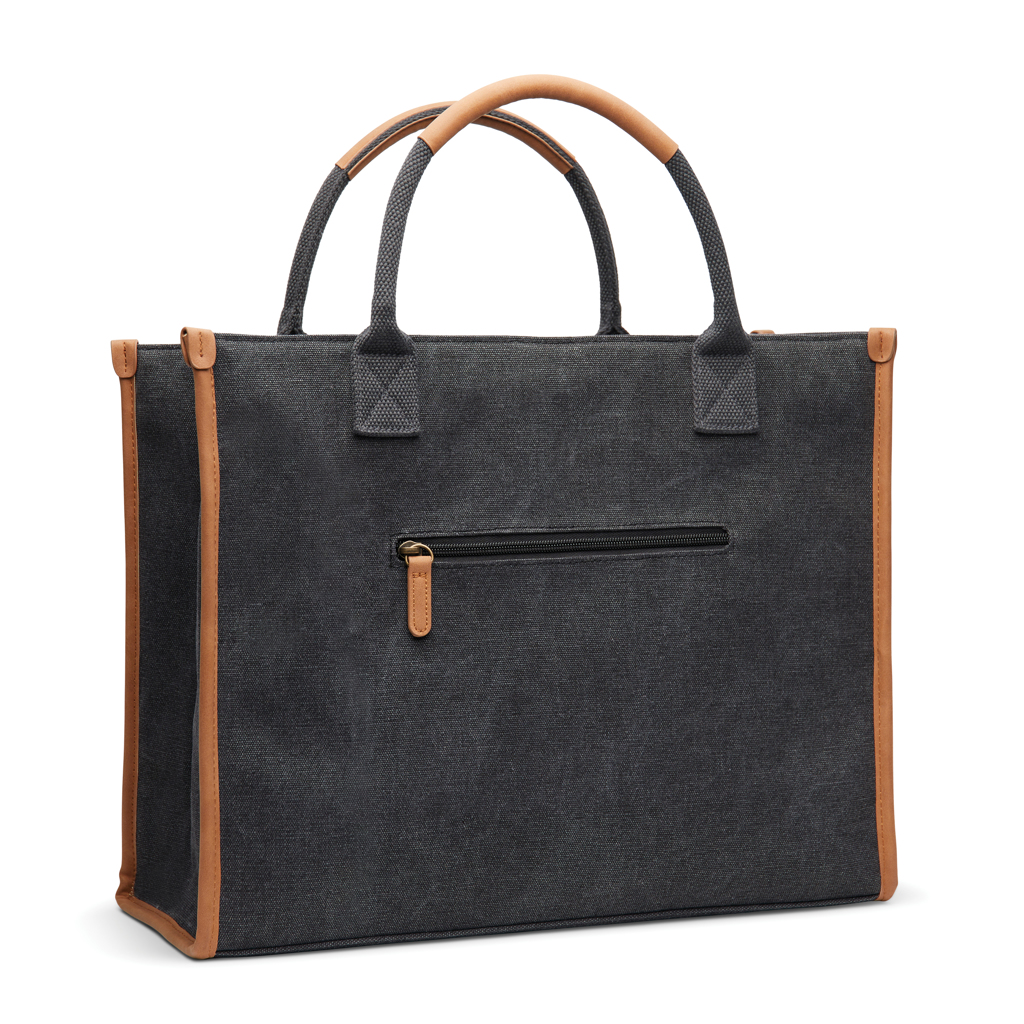
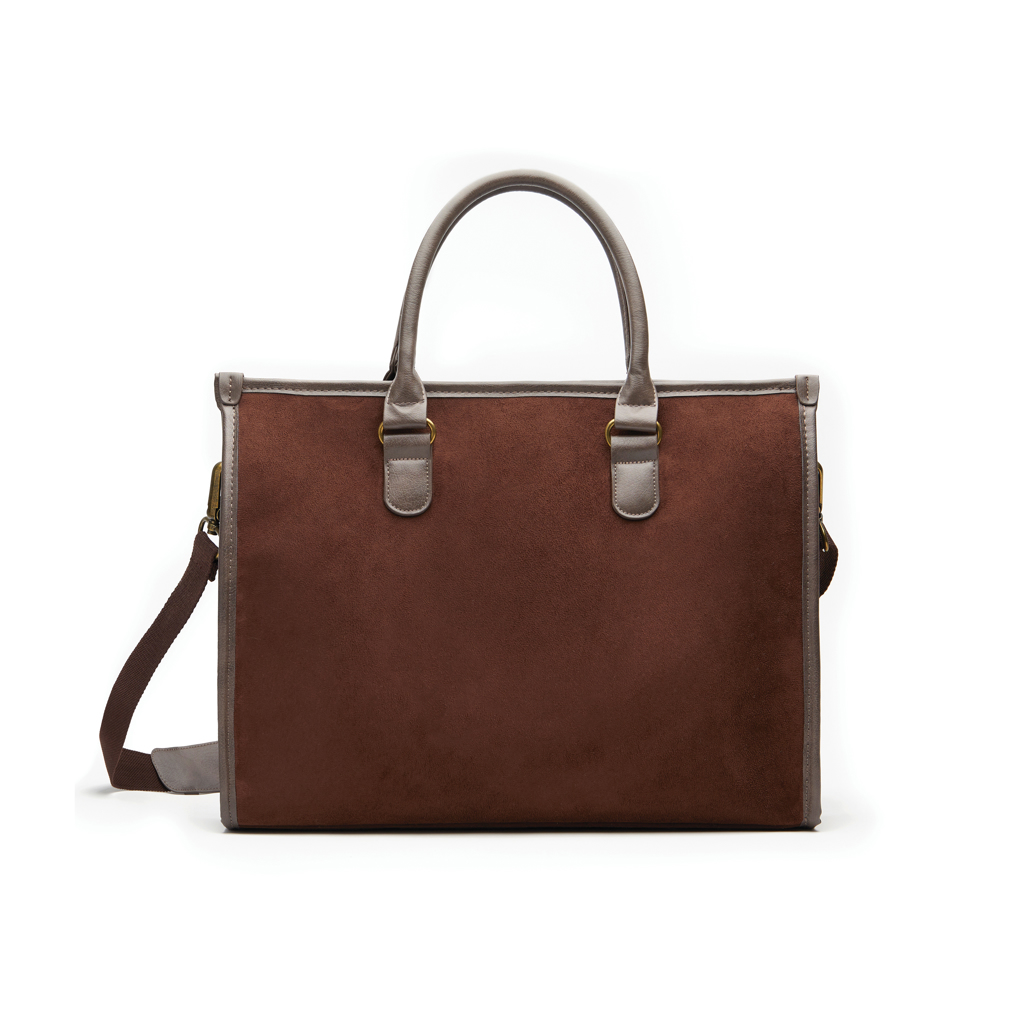
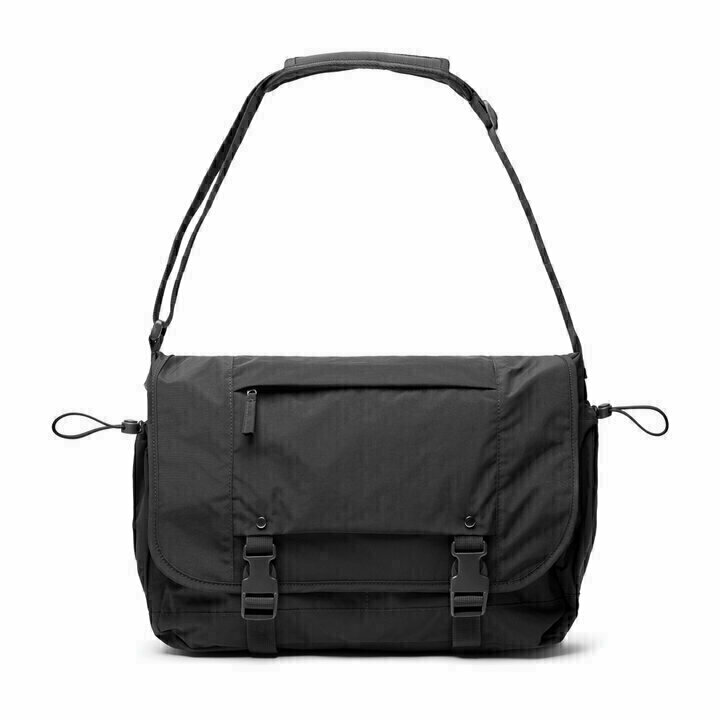
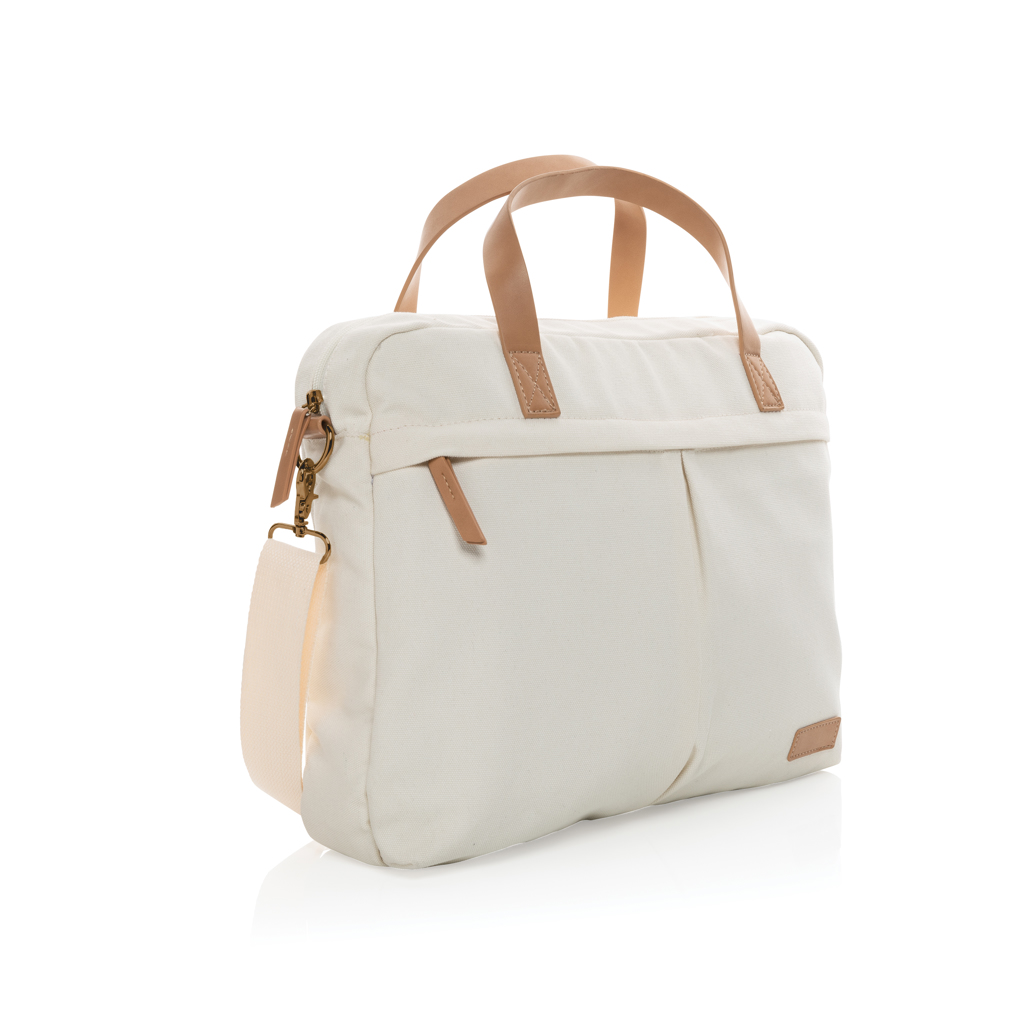
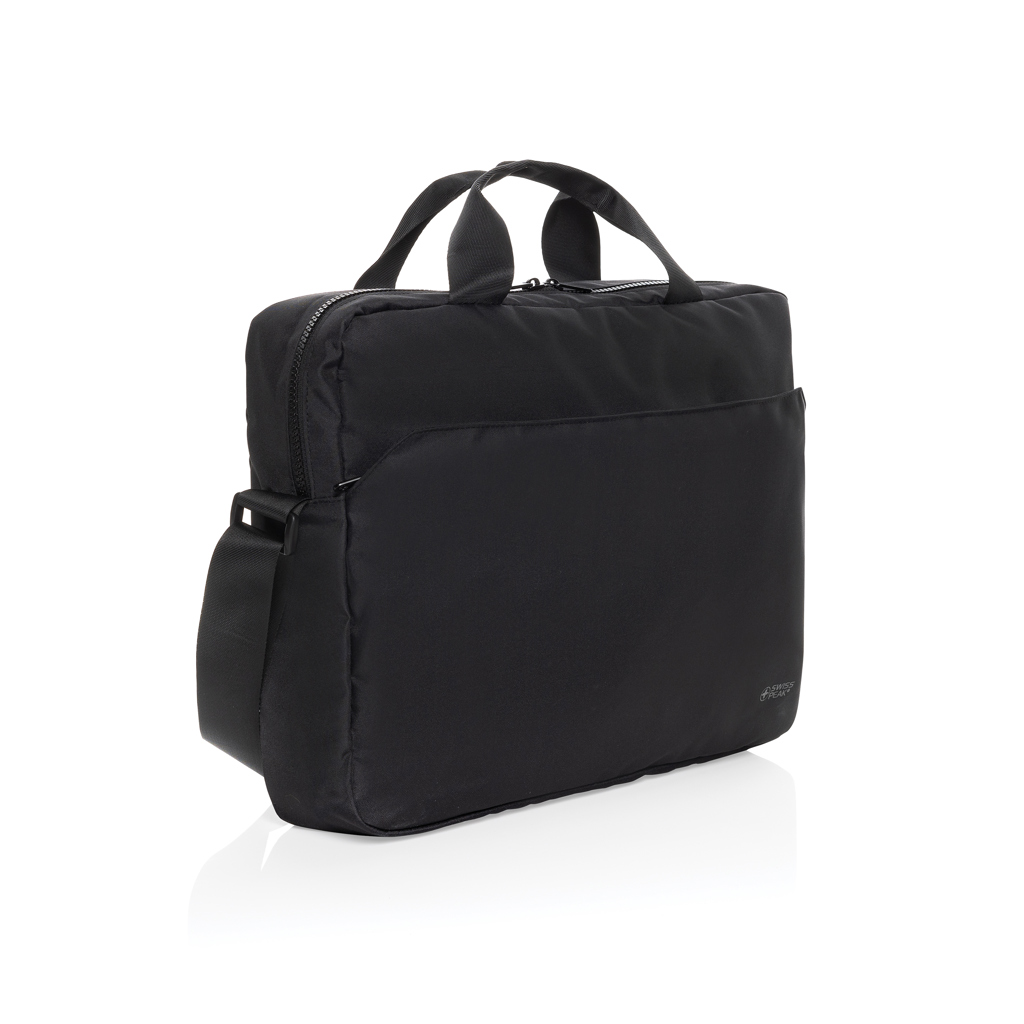
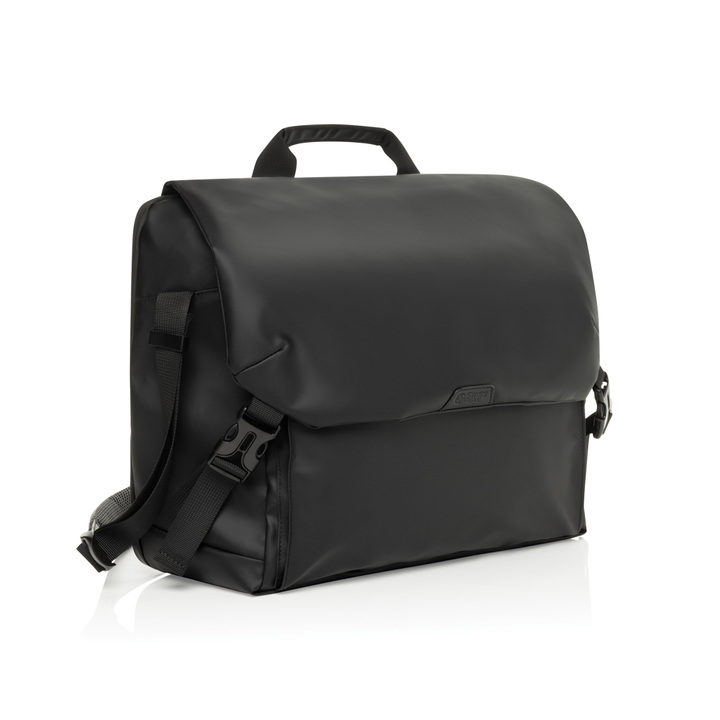
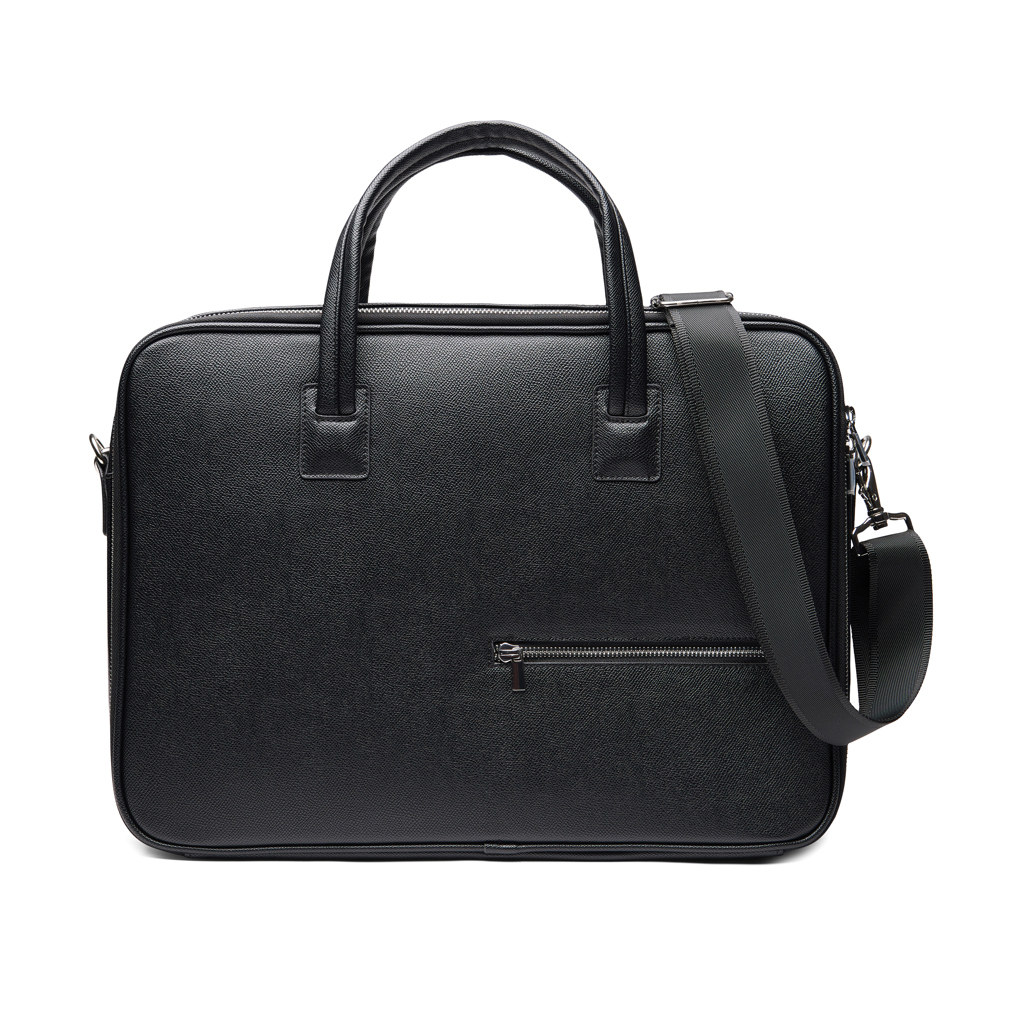
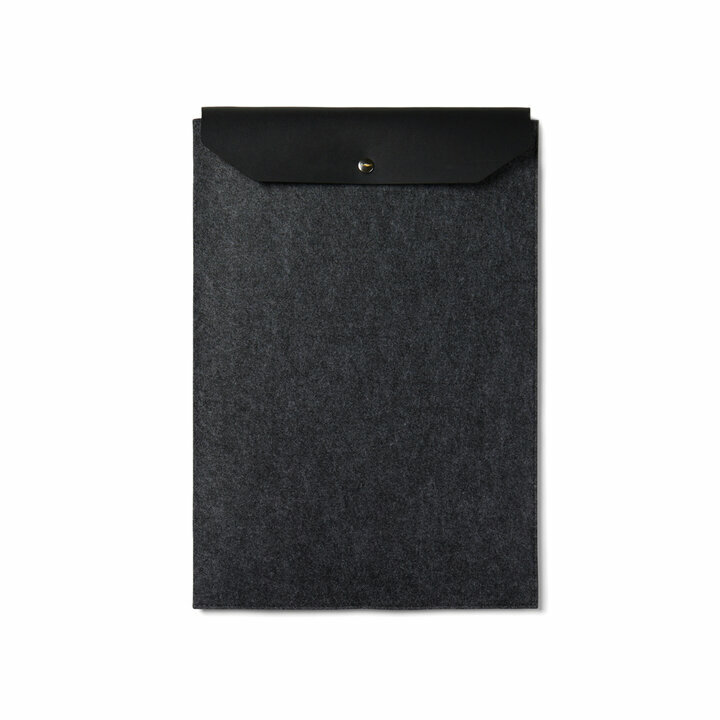
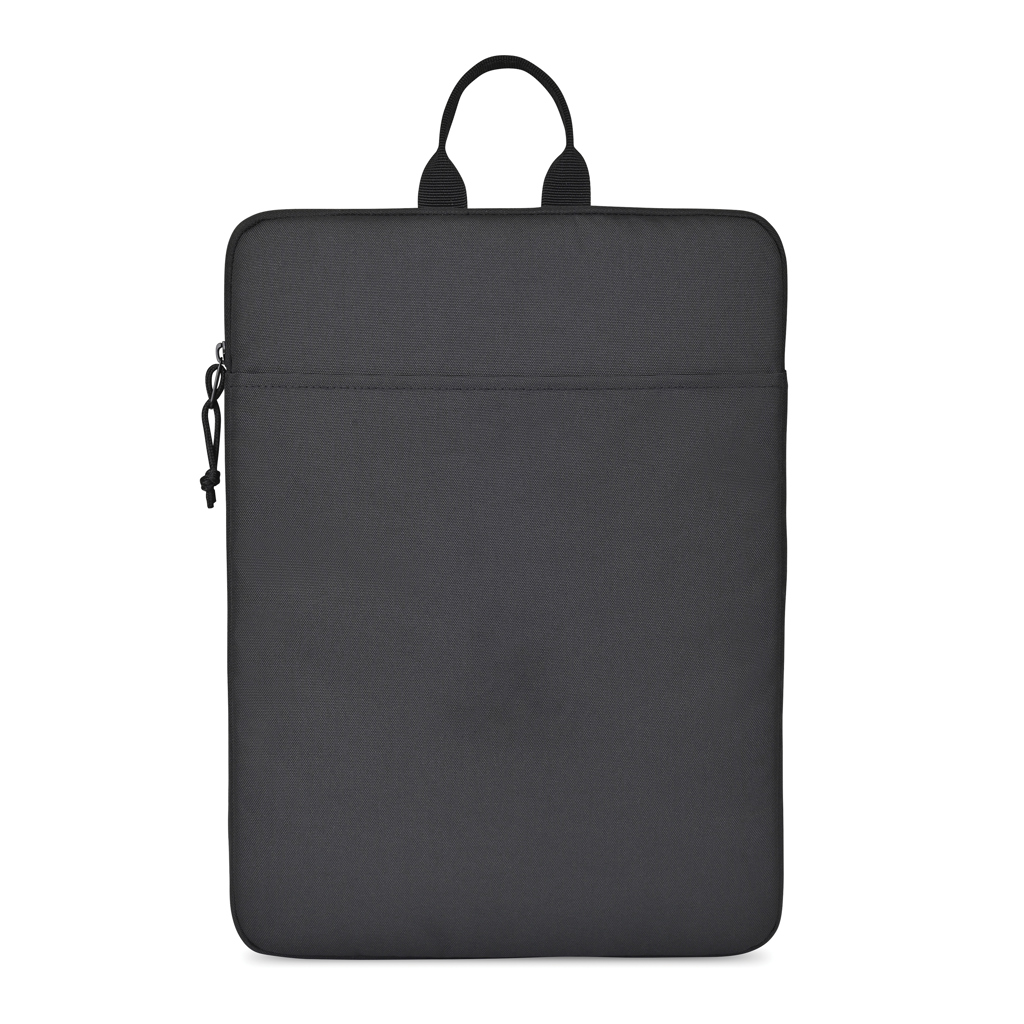
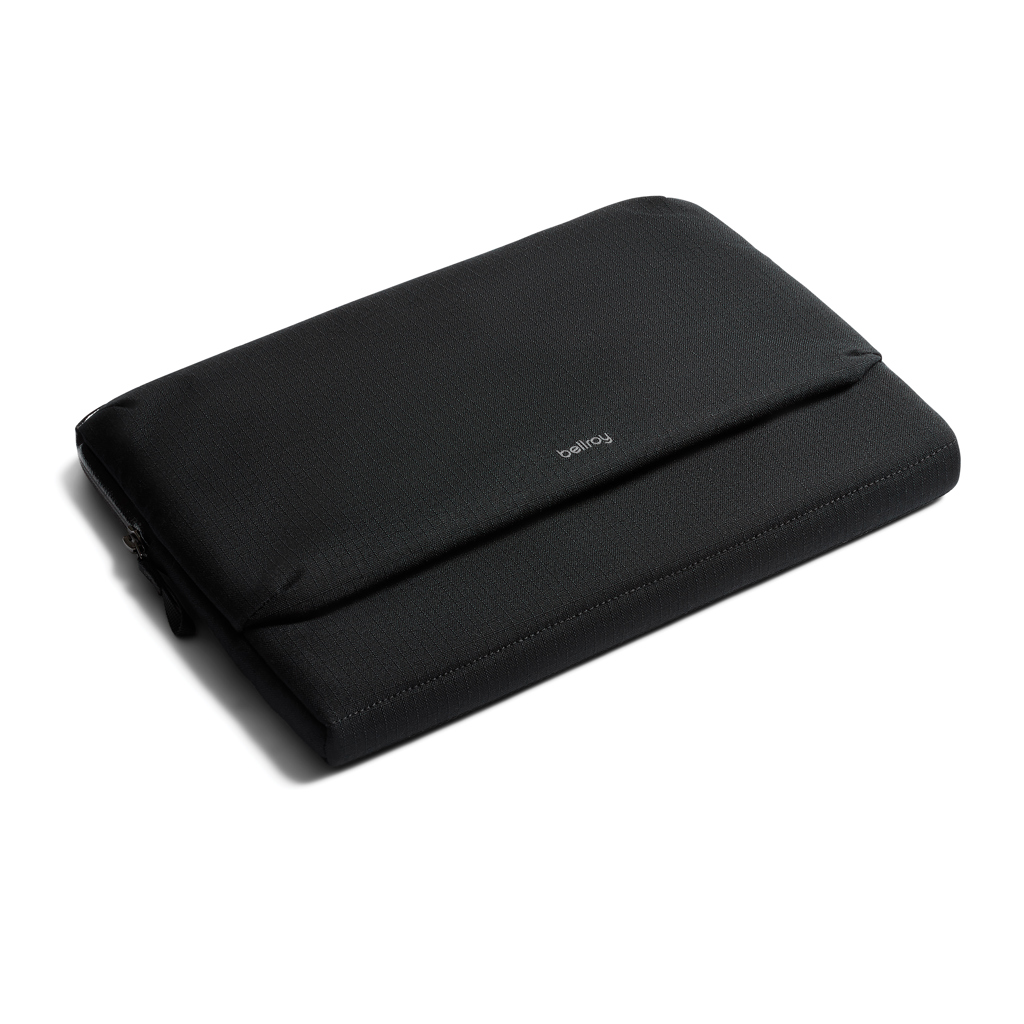
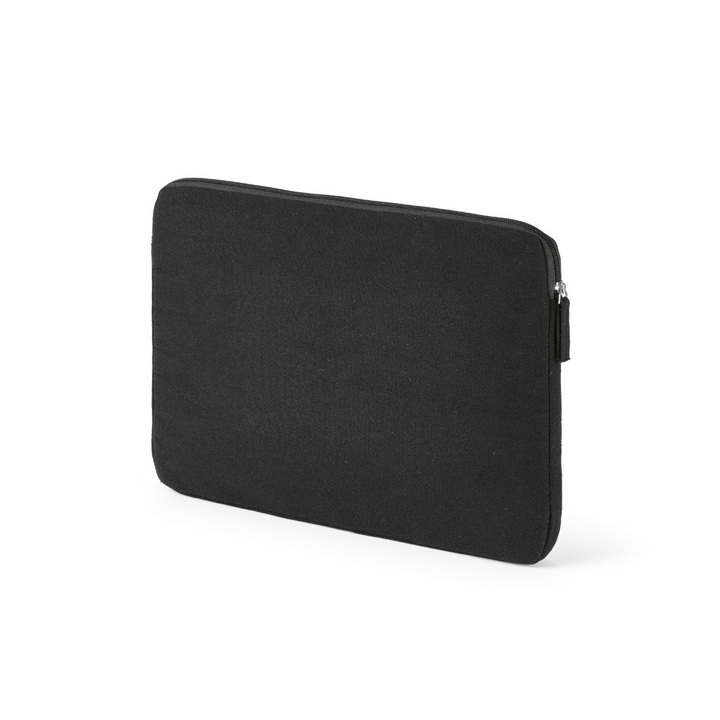
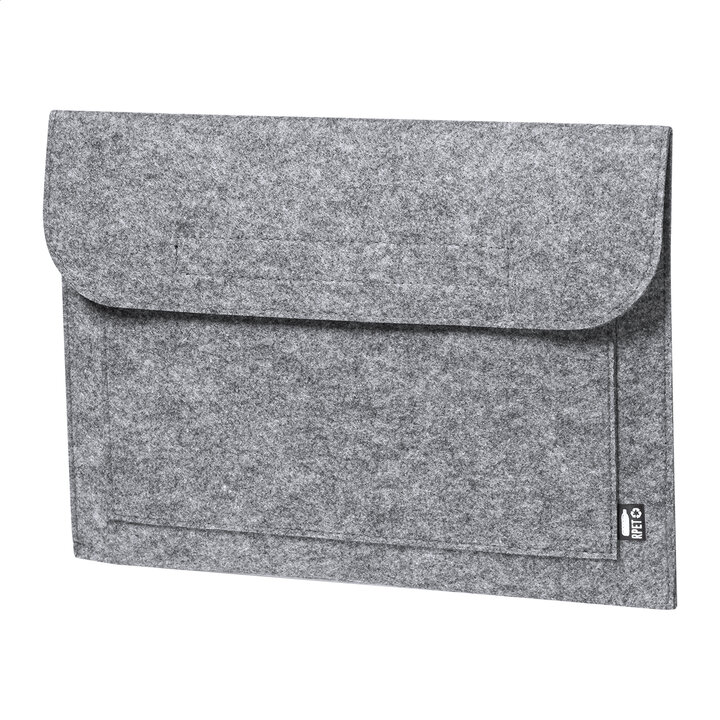
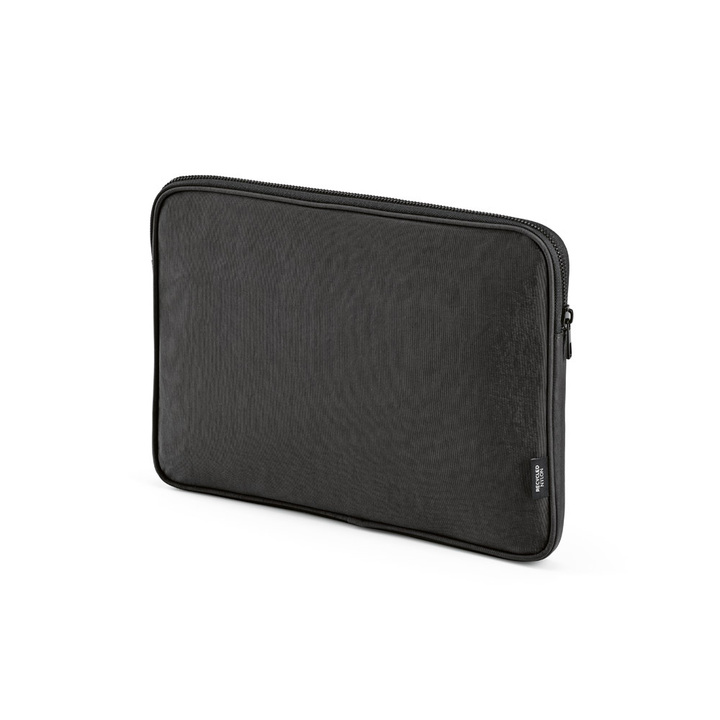
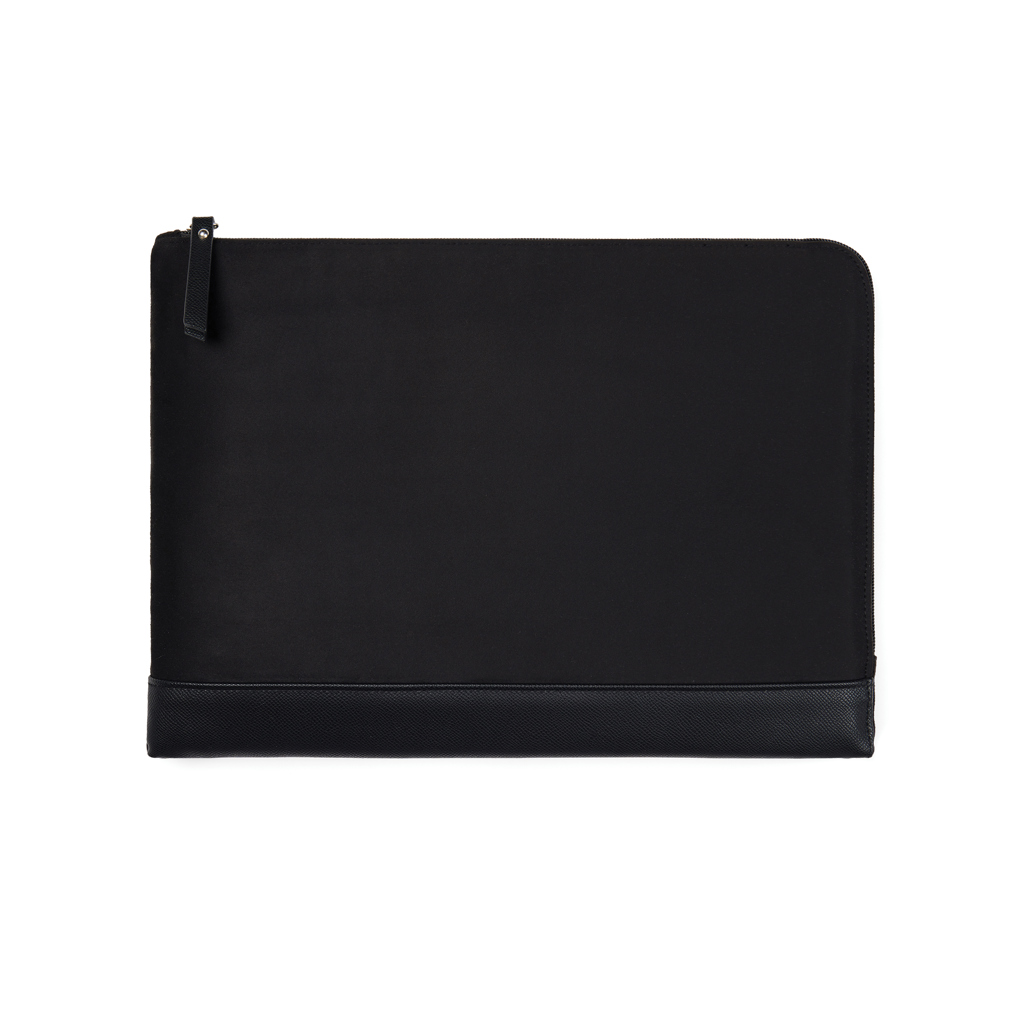
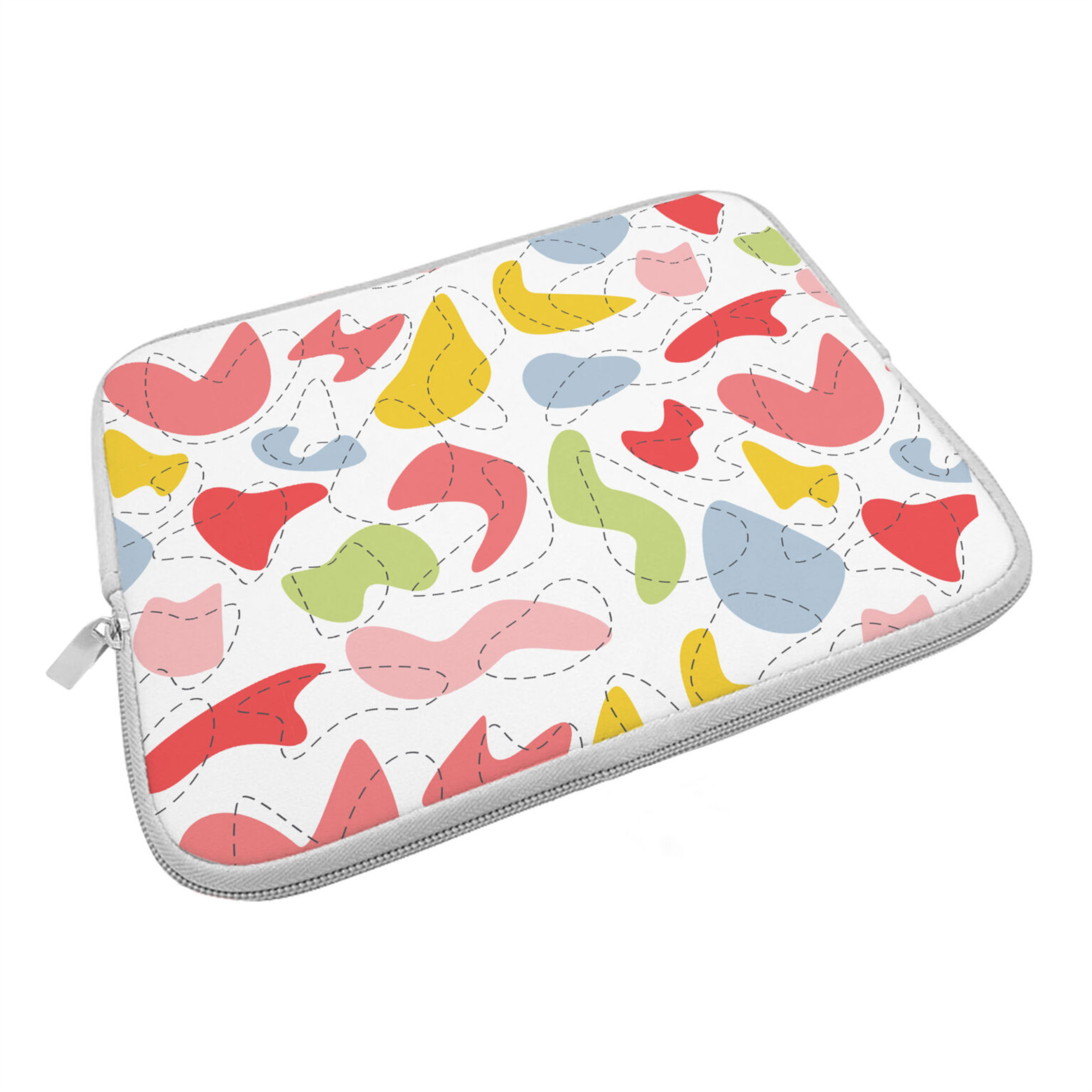
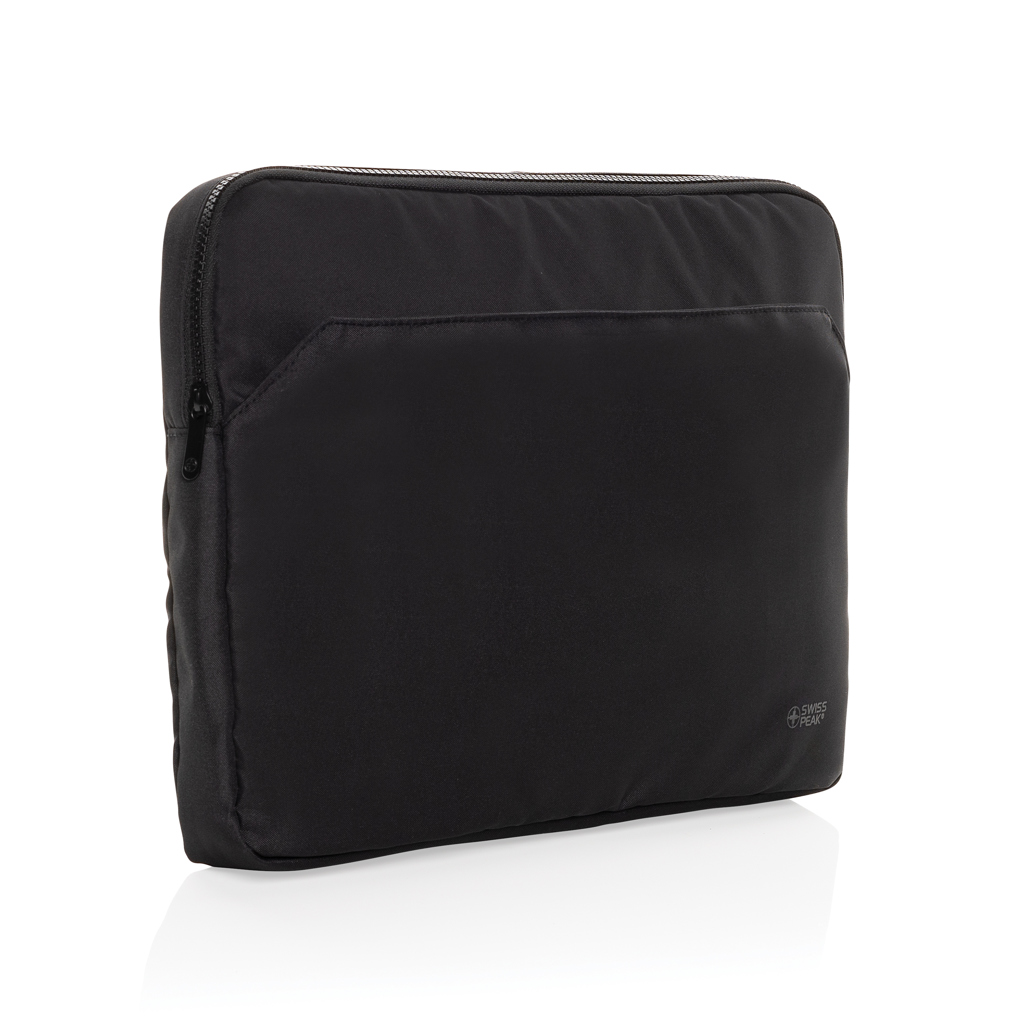
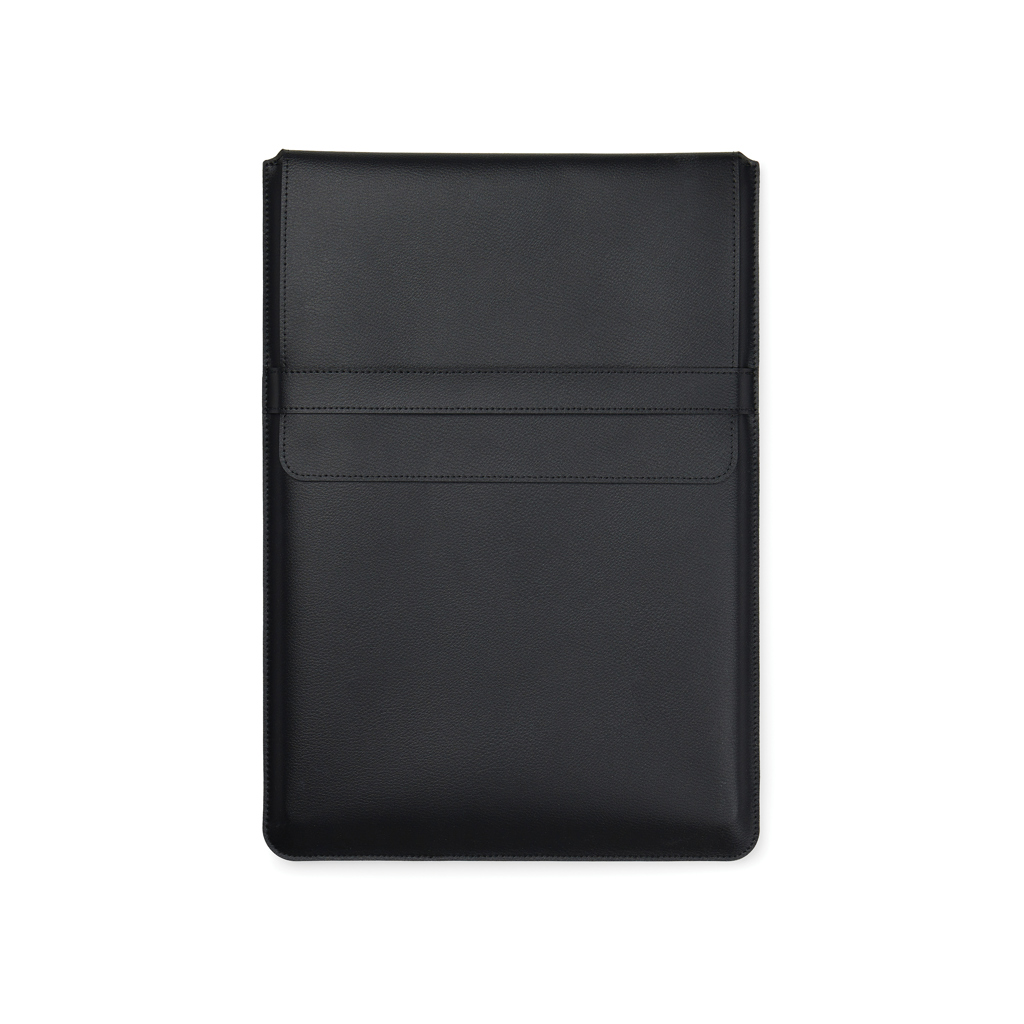
Laptop and document bags suit business travel, meetings and employee welcome gifts. A suitable model protects and organizes what the user carries. Account for actual device dimensions, the charger, and other work essentials.
Compare laptop-compartment dimensions, padding, straps, and document storage. Screen diagonal alone doesn't determine fit. For suitcase use, check for a luggage strap; for cycling, focus on stability and weather resistance.
Business-travel bags should allow quick laptop removal and easy charger access. Longer carrying may call for a more comfortable strap than short car trips. For employee orders, compare the dimensions of the devices actually used, not one sample or a generic screen-size label. Measure the laptop with its usual protective sleeve, since the screen diagonal alone doesn't indicate its actual width, height, or thickness.
Choose a laptop bag around the full working-day kit. Chargers, mice, notebooks and documents may travel with the computer. Squeezing everything into one narrow compartment can make the bag awkward. Separate pockets are useful when their dimensions and positions match the accessories you actually carry.
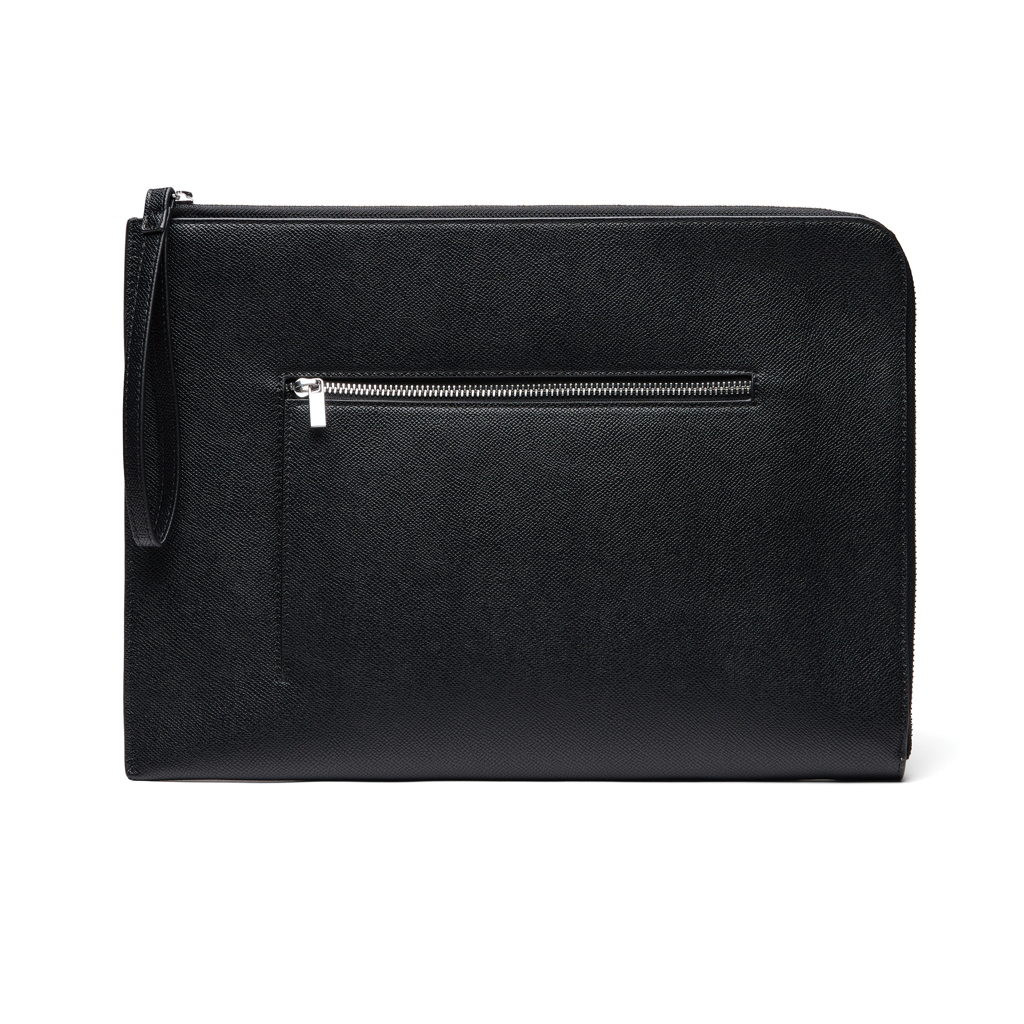
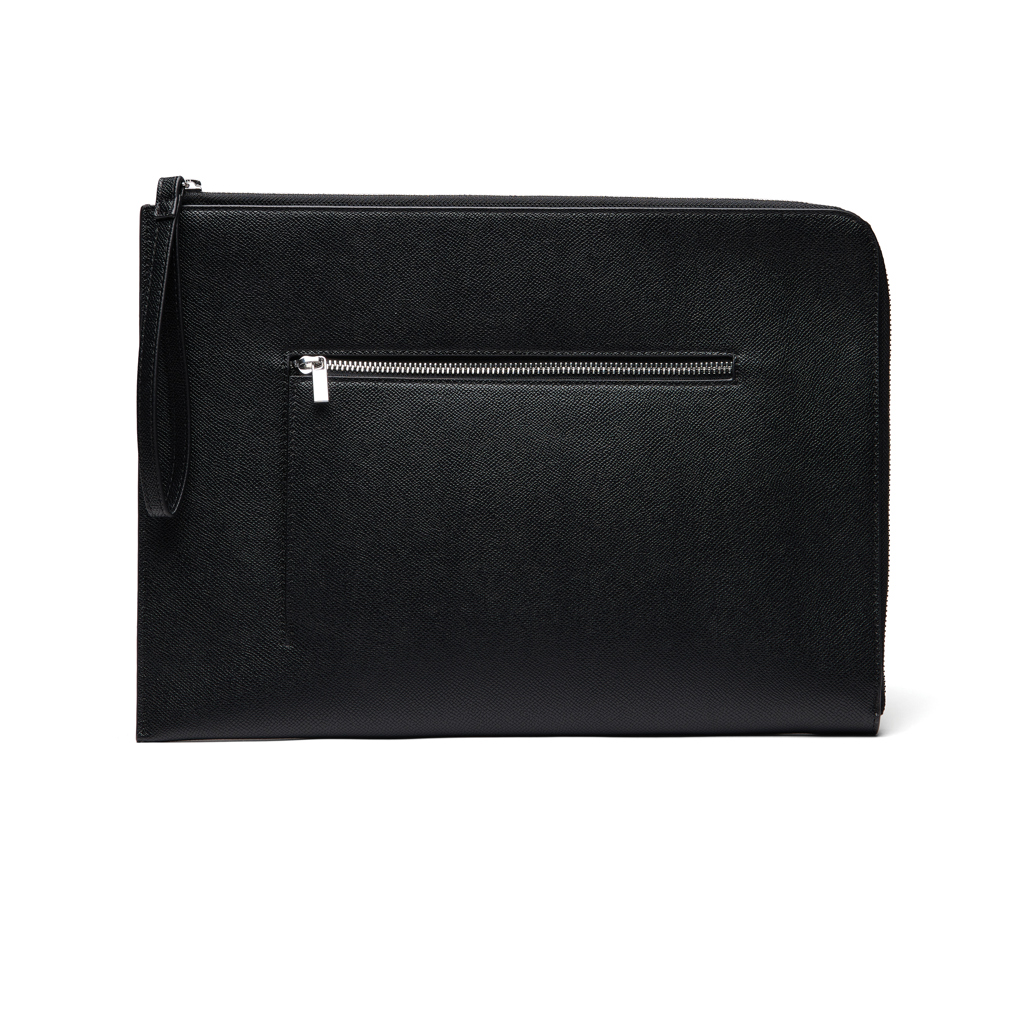
A document bag may primarily keep papers and meeting materials together rather than provide a padded computer compartment. Conference gifts need room for A4 documents, folders, or catalogs. Everyday employee bags also require comfortable, longer carrying and practical organization.
One model may suit a team with similar equipment. Different laptop sizes may justify several models coordinated through the same branding. At handover, gift contents should be distinct and easy to remove so recipients can organize the bag around their own needs immediately.
Branding must suit the outer panel and lining. Embroidery access and usable print area depend on construction.
Laptop-bag artwork should suit a professional setting. A smaller contrasting logo can remain visible without extensive coverage. Review outer material, lining and pockets when choosing printing or embroidery. For names, approve size and placement together with the company logo so the elements work clearly alongside each other.
For an overview of the processes, see branding methods.
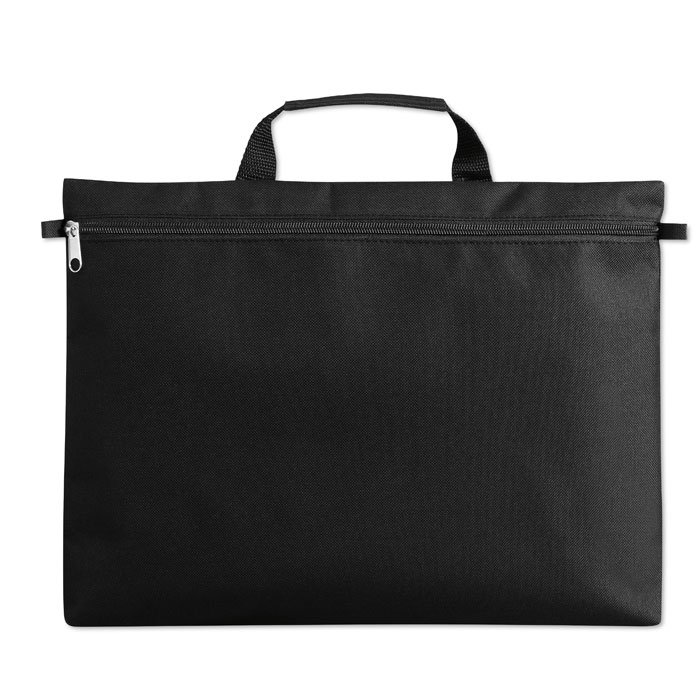
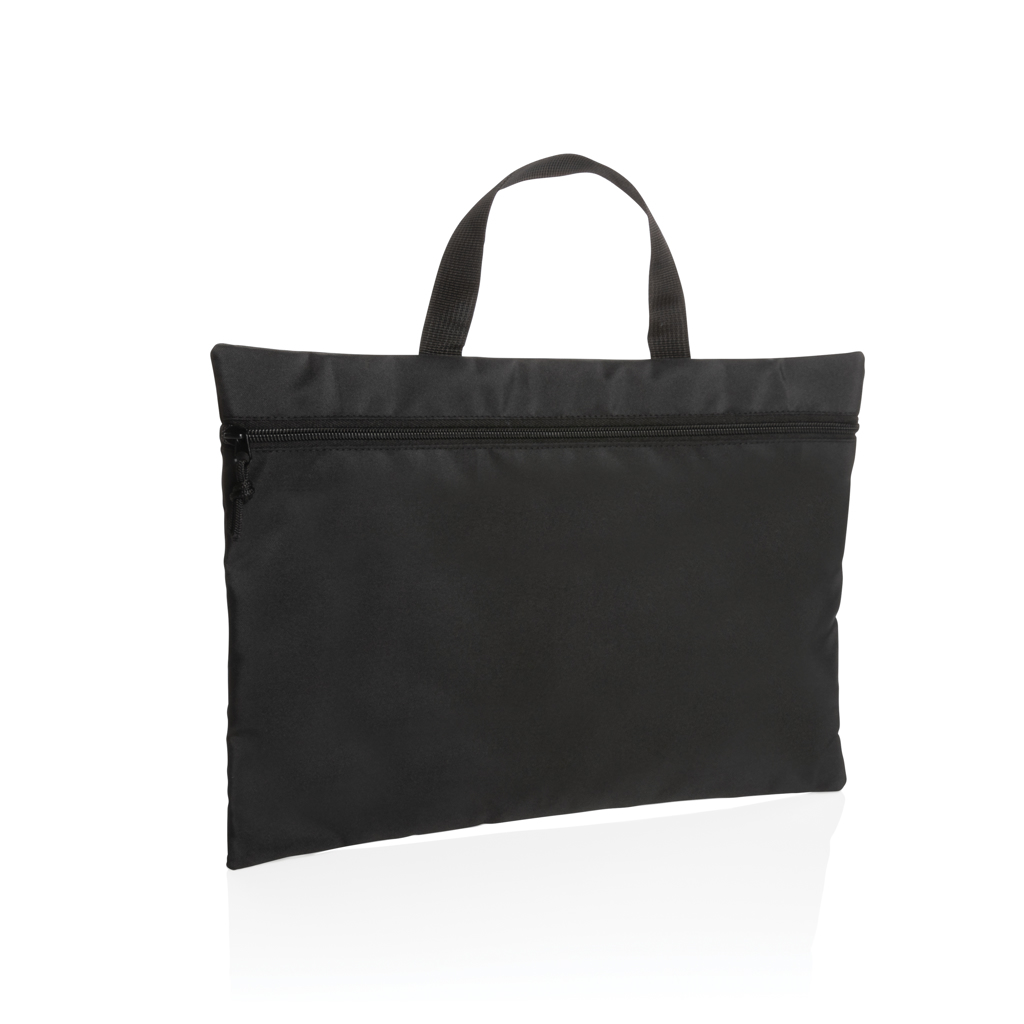
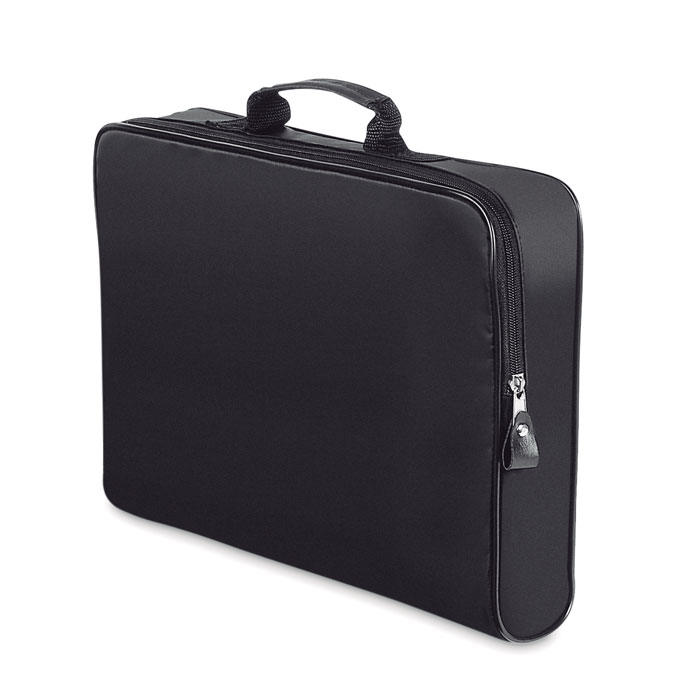
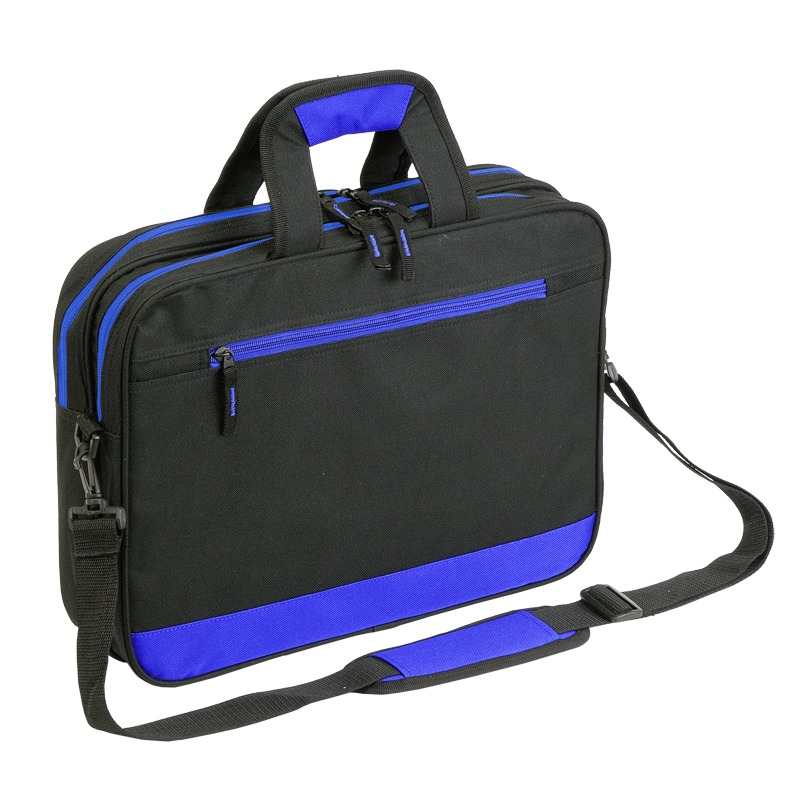
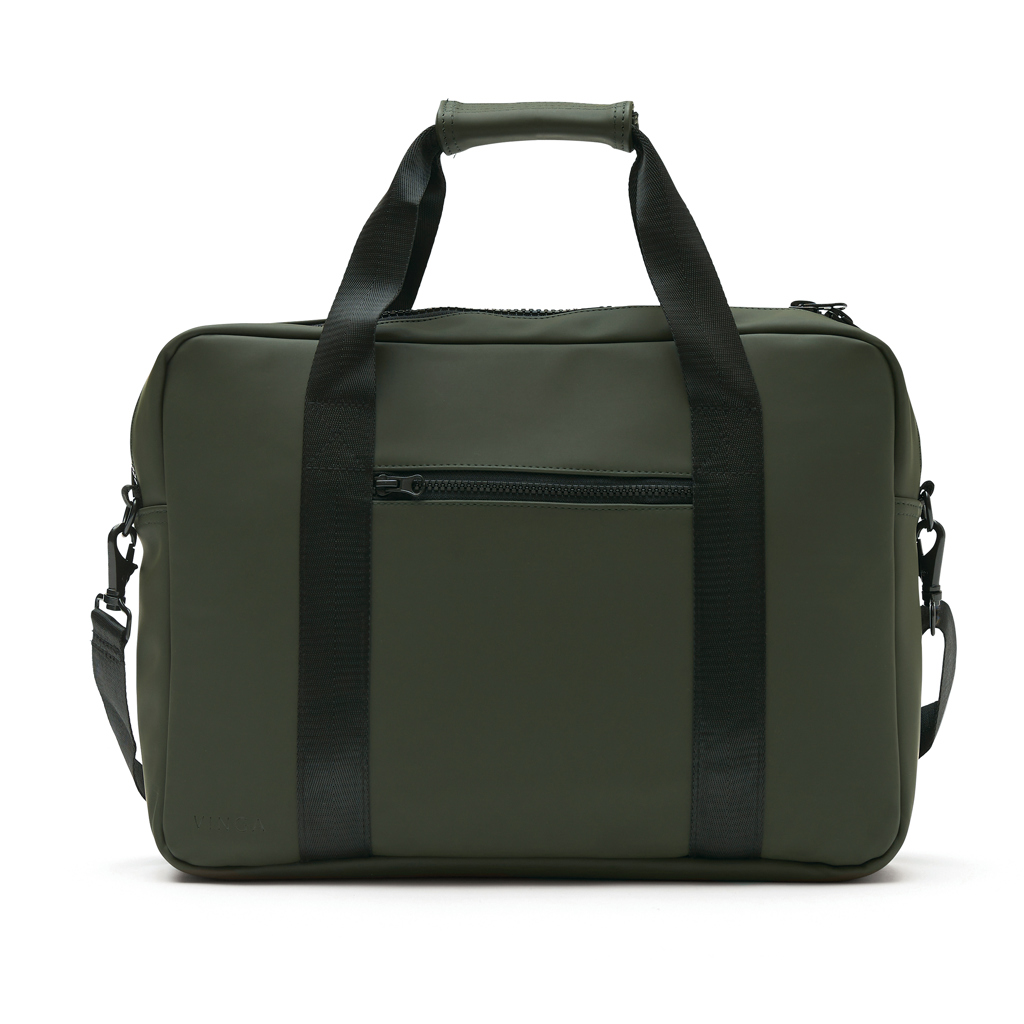
Explore the Amanta, Aware and Expo document bags. These are document-bag examples. Before selecting one for a laptop, confirm compartment dimensions and the construction needed for protection. Compare closure and accessory space too. A bag name alone does not establish compatibility with every computer.
Specify actual device dimensions and accessories in the inquiry. Confirm care and protective properties for the chosen model.
Send quantity and computer dimensions or document requirements. Include logo, color, and arrival date. Kingivabrik can help compare laptop and document bags and select appropriate artwork.
Explore related options in Branded bags and custom packaging.